



Coze Open SourceIt is still open source under the Apache 2.0 protocol and is free for all to download and deploy, as well as for commercial use.
Buckle open-sources two core projects, the Buckle Development Platform and the Buckle Compass.
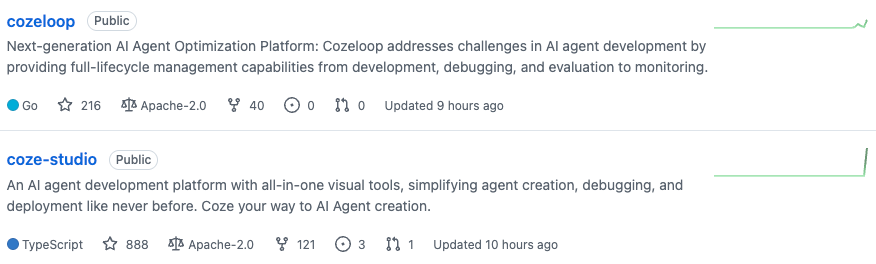
Coze Loop is an AI Agent development and operation and maintenance platform for developers, providing full life cycle management capabilities from development, debugging, evaluation to monitoring. The open source version is free to open the core functions, supports Prompt debugging (including version management, visual comparison), multi-dimensional automated evaluation, full-link execution observation (Trace tracking), access to OpenAI, Volcano Ark, and other models, which makes it easy for developers to customize and expand, with perfect community support, and adopts Apache 2.0 license.
Coze Studio is a one-stop AI Agent development tool that supports zero-code/low-code development, provides model service management, intelligence/application/workflow construction, development resource management, API and SDK, etc. It is the same as the Coze development tool we usually use. It is also the Coze development tool we usually use.
GitHub address:
https://github.com/coze-dev/coze-studio
https://github.com/coze-dev/cozeloop
This open source , using extremely loose Apache2.0 protocol open source . Everyone can download and commercialize it for free.
Installation threshold is extremely low, minimum system requirements: 2 Core, 4 GB. basically every computer can be installed and run.
There will be a difference between the open source version and the online commercial version, the main features of the open source version are:
- Model Service: Manage the model list and access to online or offline model services such as OpenAI, Volcano Ark, etc.
- Build Intelligence: Orchestrate, publish, and manage intelligences, and support configuration of workflows, knowledge bases, and other resources
- Build applications: create and publish applications, build business logic through workflows
- Building workflows: creating, modifying, publishing, deleting workflows
- Development resources: support for creating and managing the following resources: plug-ins, knowledge bases, databases, hint words
- APIs and SDKs: create sessions, initiate conversations, etc. OpenAPI Integrate intelligences or apps into your own apps via the Chat SDK.
Here is the complete localDeployment Tutorial:
1. Environmental requirements
- Make sure your machine meets the following minimum system requirements before installing: 2 Core, 4 GB
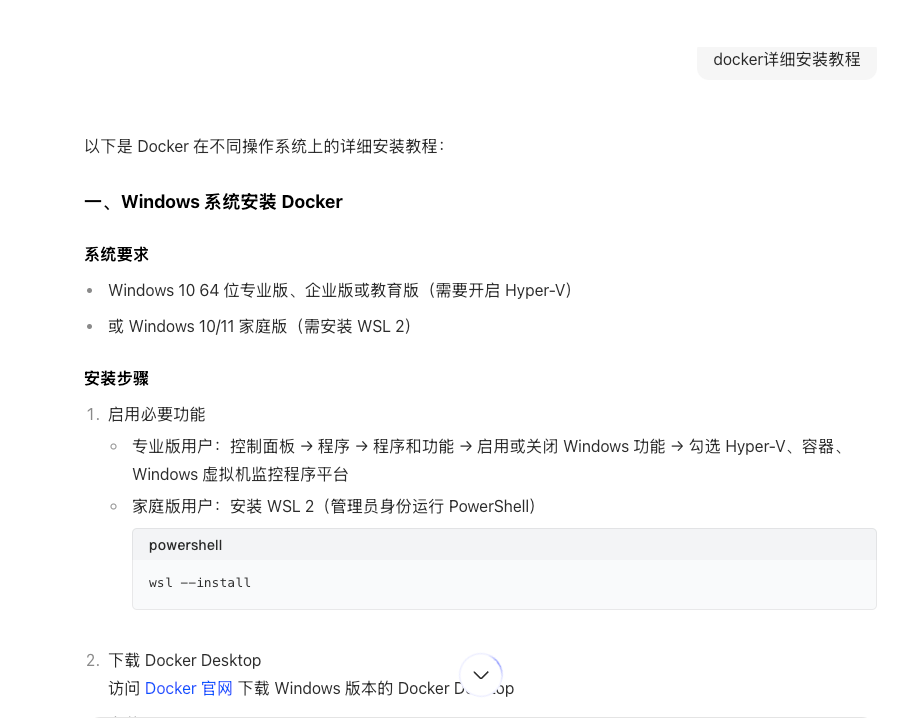
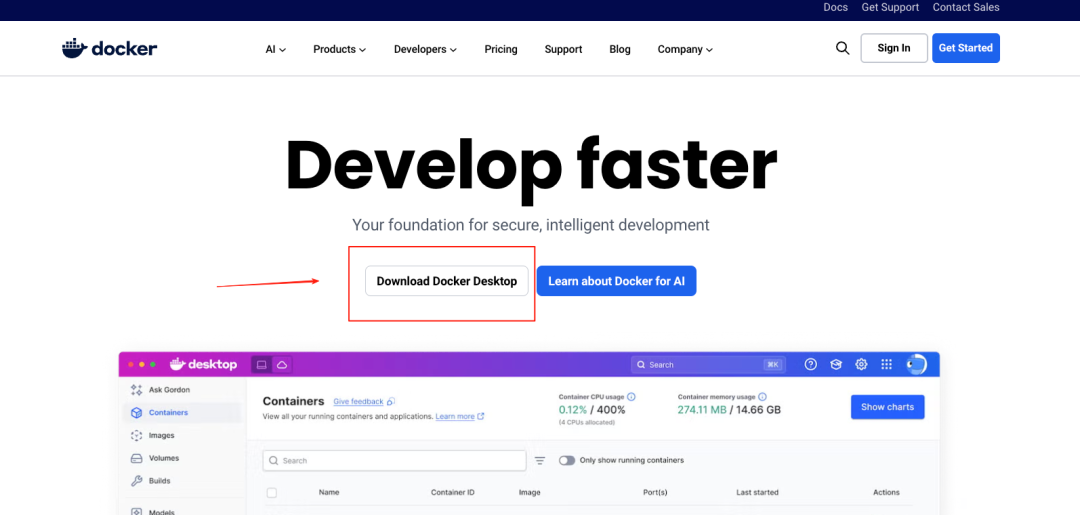
- Install Docker, Docker Compose, and start the Docker service in advance.
If you don't have Docker on your computer, search for a detailed tutorial on how to install Docker and follow the instructions.
2. Get the source code
# Clone code git clone https://github.com/coze-dev/coze-studio.git
3. Configuration model
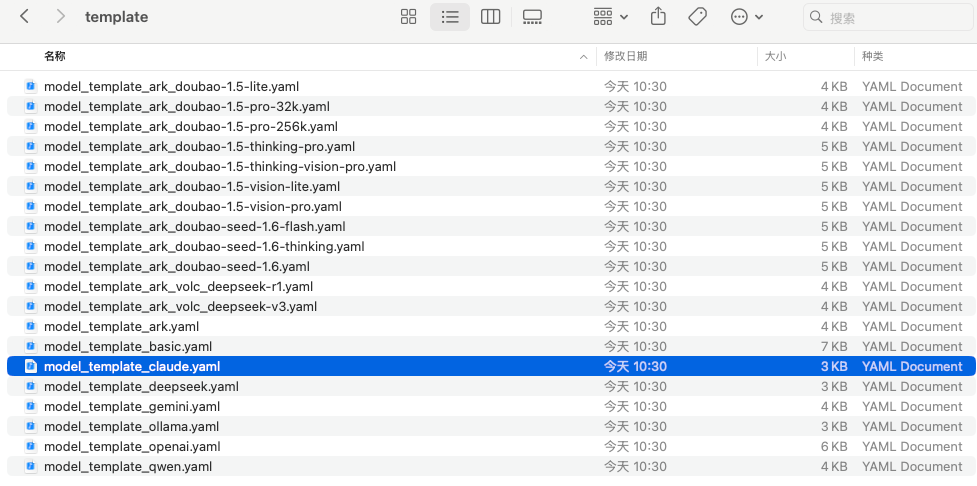
Copy the template files for the doubao-seed-1.6 model from the template directory and paste them into the configuration file directory.
You can use the command to find the specific file path and operate it directly
You can use the command to find the specific file path and operate it directly
cd coze-studio# copy model configuration template cp backend/conf/model/template/model_template_ark_doubao-seed-1.6.yaml backend/conf/model/ark_doubao-seed- 1.6.yamlHow to understand? You can directly go to the folder backend/conf/model/template, you will find that this folder is the configuration files of all kinds of models, for example, if you want to use the model of claude, gemini, copy the corresponding model file to the path backend/conf/model.
When you're done, in the configuration file directory, modify the template file.
1. Go to the directory backend/conf/model and open the copied file ark_doubao-seed-1.6.yaml.
2. Set the id, meta.conn_config.api_key, and meta.conn_config.model fields and save the file.
- meta.conn_config.model: model ID of the model service, in this example it is the Endpoint ID of the Volcano Ark doubao-seed-1.6 model access point.
- id: the model ID in Coze Studio, defined by the developer, must be a non-zero integer and globally unique. Please do not modify the model id after the model is online.
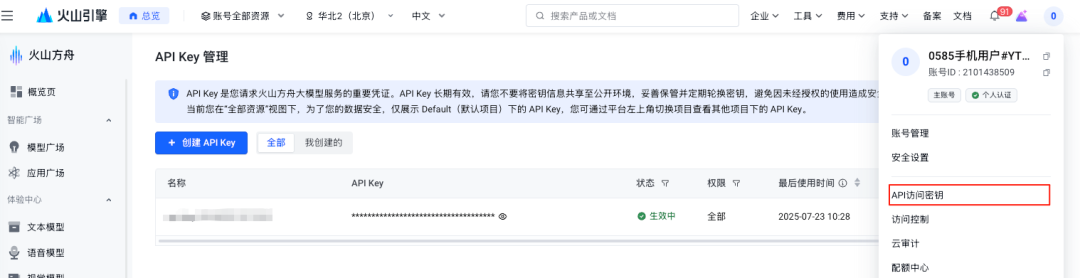
- meta.conn_config.api_key: API Key for the model service, for example, if the beanbag model uses the services of Volcano Engine, log in to the Volcano Engine console and find the API access password.
The process of obtaining an Endpoint ID:
Volcano Engine Online Reasoning Module, Creating Reasoning Access Points
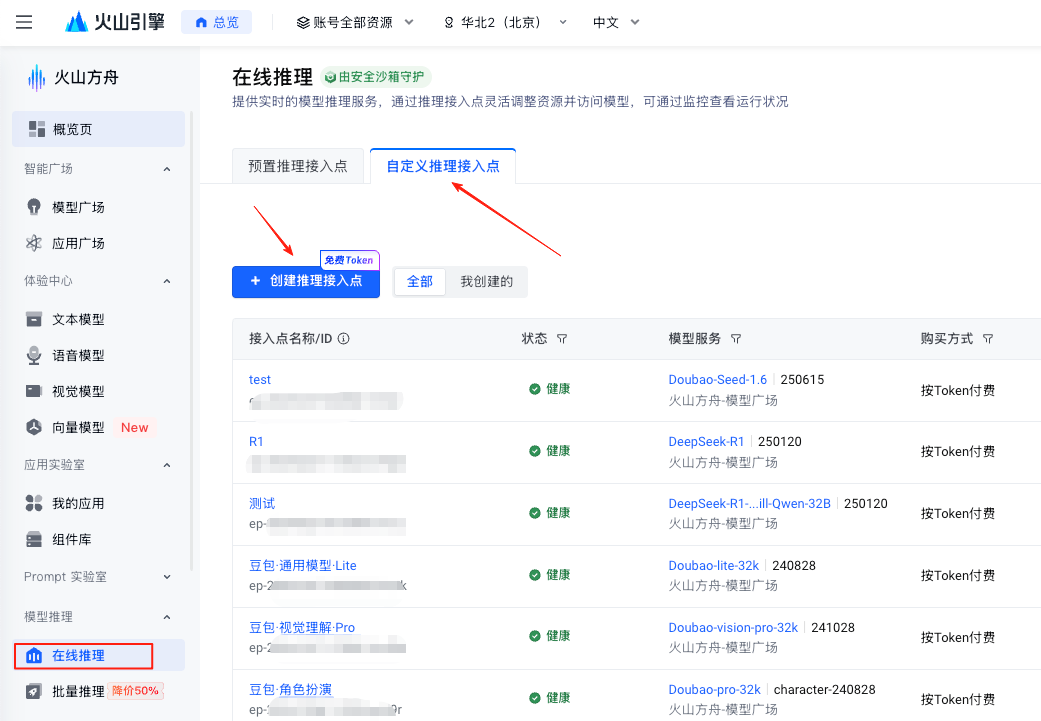
After successful creation, this segment is the desired Endpoint ID

4. Deployment of start-up services
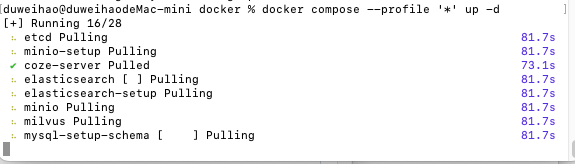
To deploy and start Coze Studio for the first time you need to pull the image, build the local image, and execute the following commands in the root directory of the project:
cd dockercp .env.example .envdocker compose --profile '*' up -dIt takes a little longer to pull the mirror image, just wait quietly.
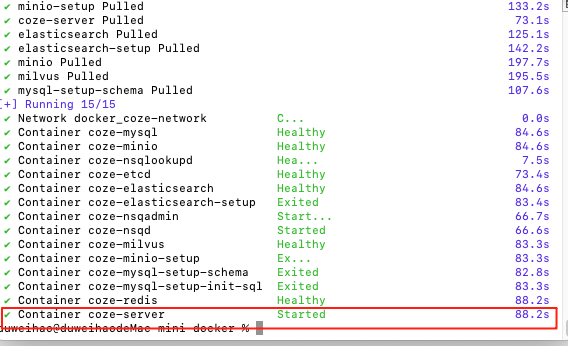
If you see the prompt "Container coze-server Started", the Coze Studio service has started successfully.
Then, you can open Coze Studio by visiting http://localhost:8888/ in your browser. For the first time, you can log in to the homepage by entering your email and password randomly to register.
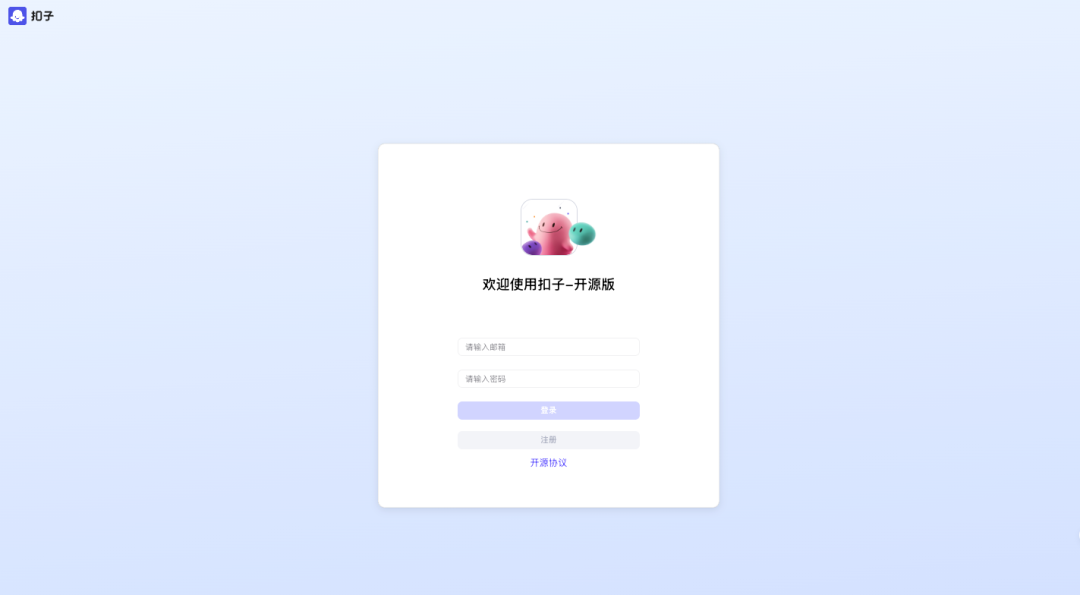
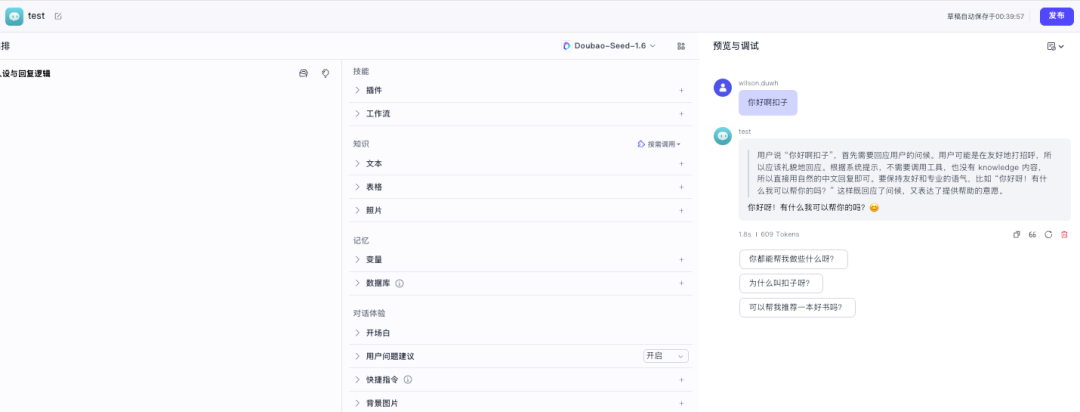
Once you're in, build a random smart body and test to see if you can use the big model properly. If you can, then you've successfully built Coze Studio locally.
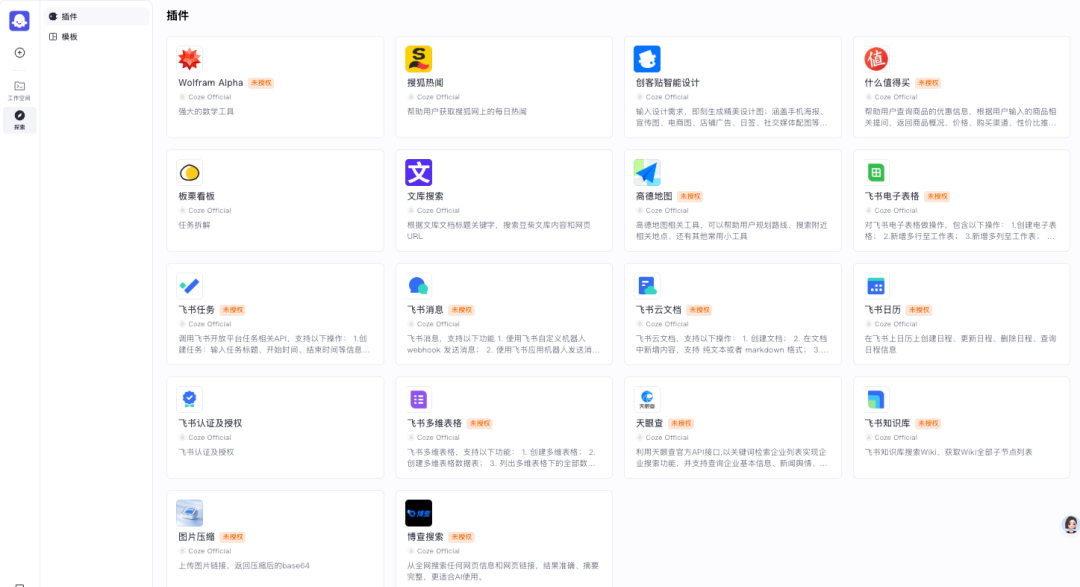
Although Coze Studio is open source, but compared to the official commercial version of the lack of many things, such as shopping centers, plug-ins, templates are basically not, what plug-ins, what templates have to write their own. Therefore, for ordinary individuals, local deployment is not significant, directly with the online version on the line.
Coze open source, more is good for the enterprise side, enterprises can use Coze second change or integrated into their own mature business, is to promote the rapid iteration of the AI Agent building platform process.
So did you deploy successfully?