



Share of the Day - "Nerdy Animal IP Stories"AI Video Tutorial.
Animal Videosthis oneShort VideoThe track, which is always good, always has a lot of favorite animal figures at different times of the day, from the front of the Pikachu, Kapibara, snow goats, orange cats, lovebirds, pandas, tigers and so on, and each one of them appears as a traffic blowout.
Let's dive further into how to utilize these animal images for quick IP story creation.
step by step
Step 1: Animal IP Cue Words
First of all, before making image ip, we can think ahead, whether it is to make animals or characters, or even other things with characteristics. It's more about novel ideas and creativity, the sky's the limit, and AI gives us a way to realize our ideas.
Beanbag AI was used throughout here: https://www.doubao.com/chat/
We build new conversations to open up deeper thinking
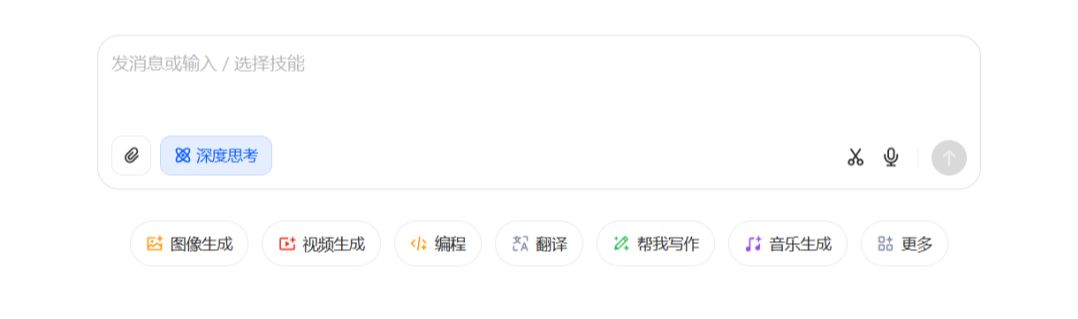
If we already have an image, we can skip this step.
First, let Beanbag help us design some animal images. Type in the cue words for example:
Help me design 12 furry anthropomorphic animal IP images, requirements: have hands and feet, simple shape, contrast, cute and funny, 3D anime style, no props, solid color backgrounds!
You can also enter a separate generation if you want to do so
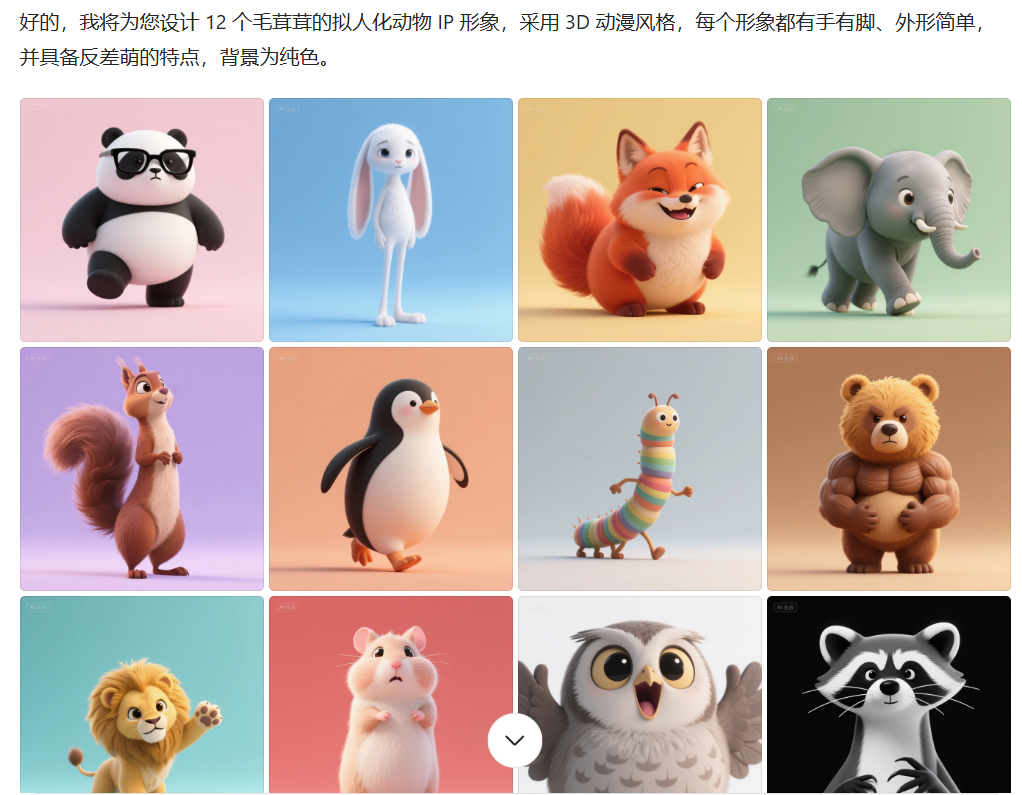
Here, choose the rabbit image.
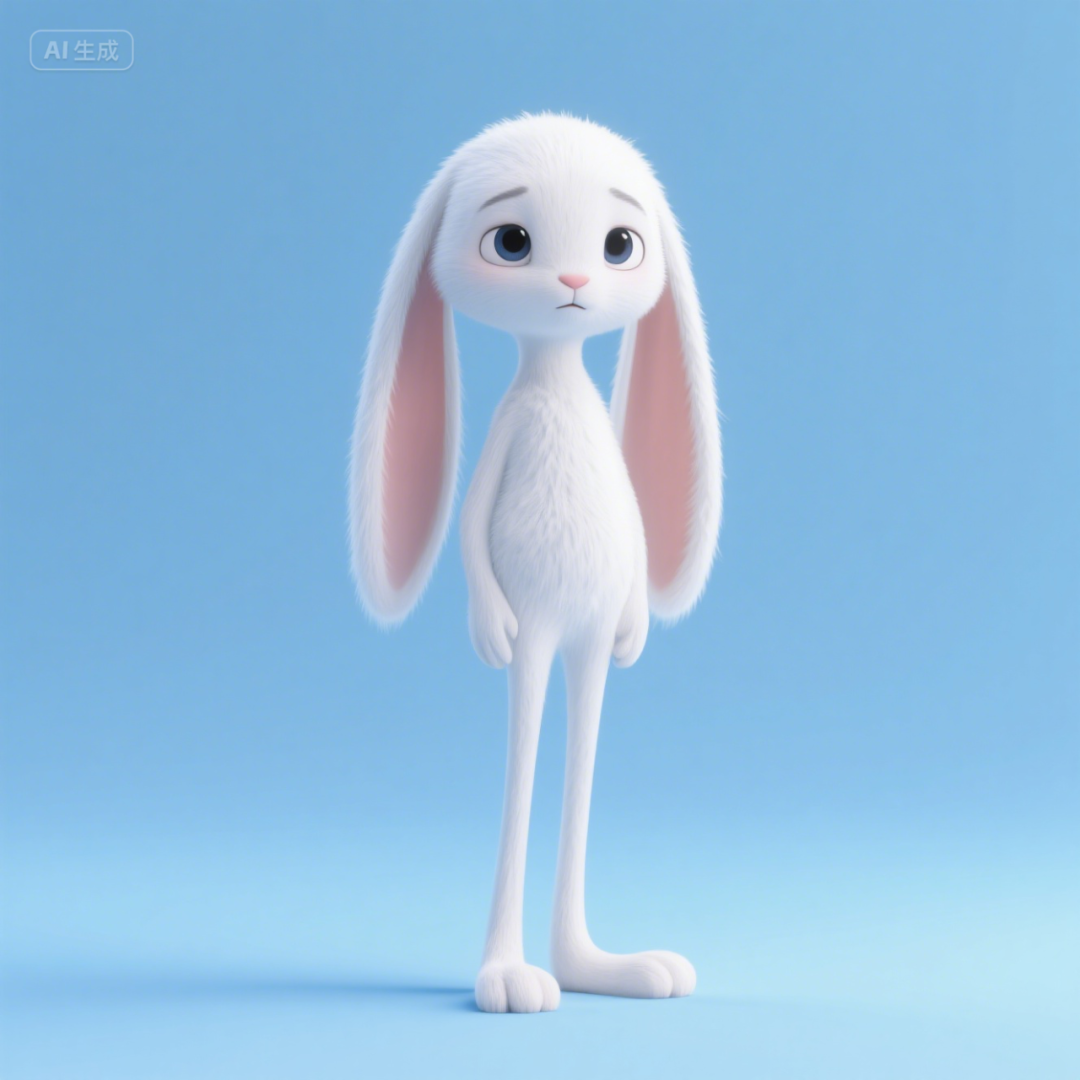
With the image, we then proceed to step two.
Step 2: Animal IP Stories
A lot of people say they can't write a story, so here's how to teach you to just let the beanbag do it. And let it generate a specific subplot script for us.
For example: I want a story about a bunny working hard on a construction site to "buy a cake" for his mom's birthday. (Here we just need to give an outline)
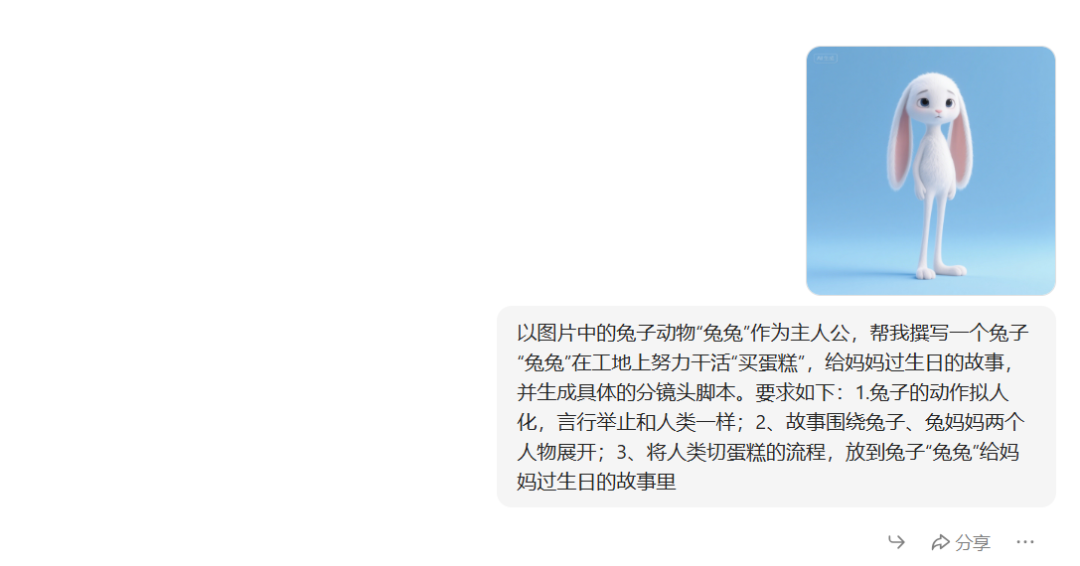
Continue with the new dialog and upload a picture of our bunny image. Enter the prompt word:
Using the rabbit animal "Bunny" in the picture as the main character, help me write a story about a rabbit "Bunny" working hard at a construction site to "buy a cake" for his mom's birthday, and generate a Generate a specific subplot script. The requirements are as follows: 1. anthropomorphize the actions of the rabbit and behave like humans; 2. the story revolves around two characters: the rabbit and the rabbit's mother; 3. put the process of cutting the cake for humans into the story of the rabbit's birthday to his mother.
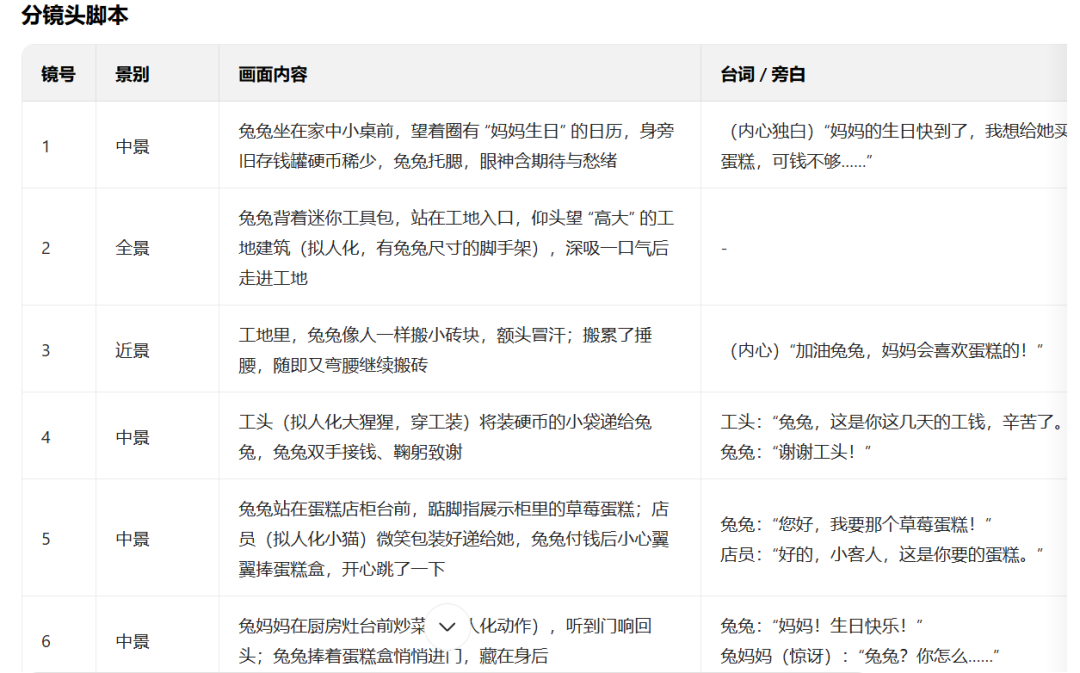
So we have the whole story of the sub-scene script, then we click on the skills in the dialog box, select the picture generation, upload the picture again and enter the prompt word: the image of the rabbit in the reference picture as the main character of the story "Rabbit", will be 8 sub-scene script of the content of the screen to generate the picture, the image of the animal to maintain the consistency of the ratio of 9: 16 (AI generates how many sub-scenes we generate how many sub-scene pictures). 16 (AI generates how many subplots we generate how many subplot images)
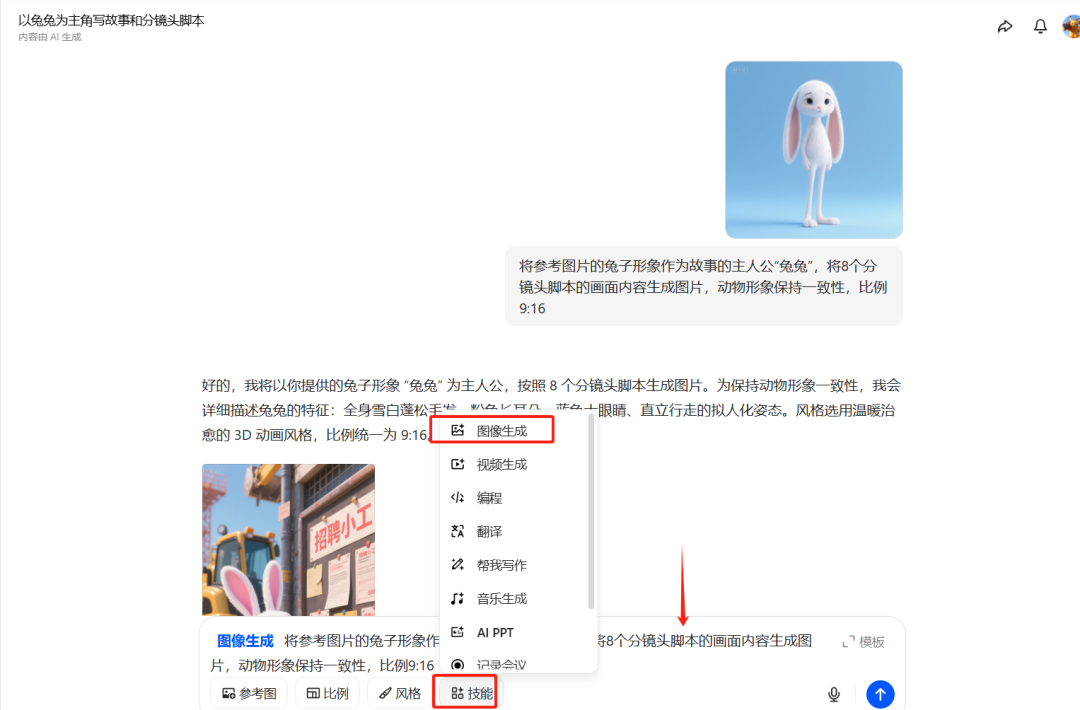
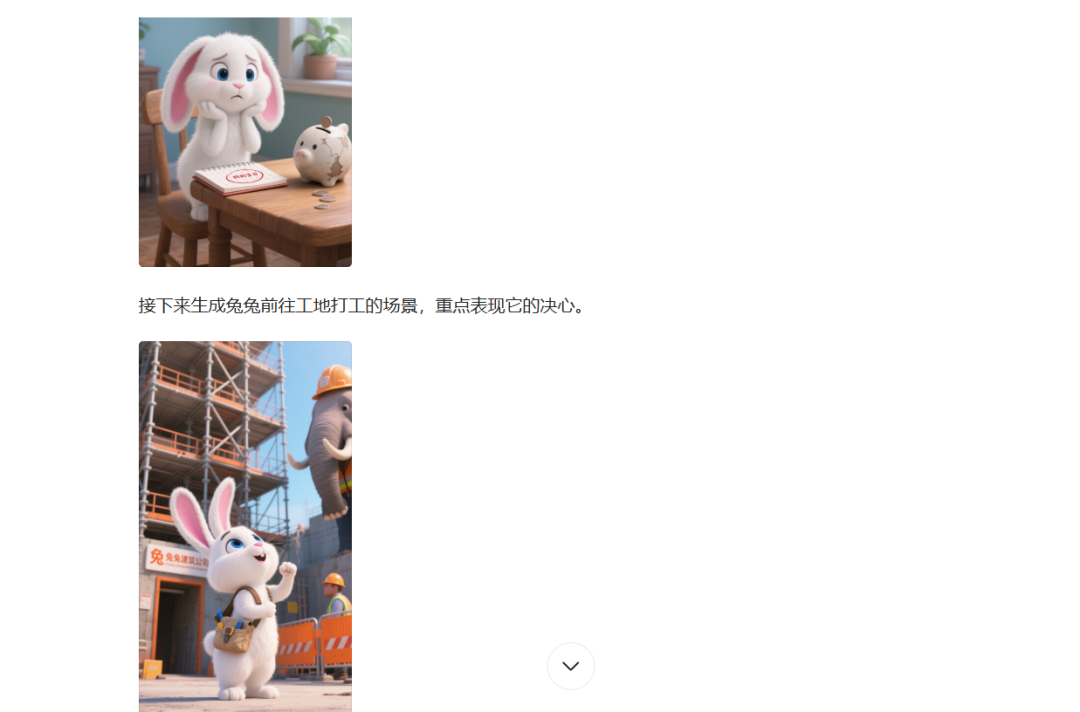
This will allow us to get a batch of images from all the partial mirrors and pick out the ones we are most happy with.
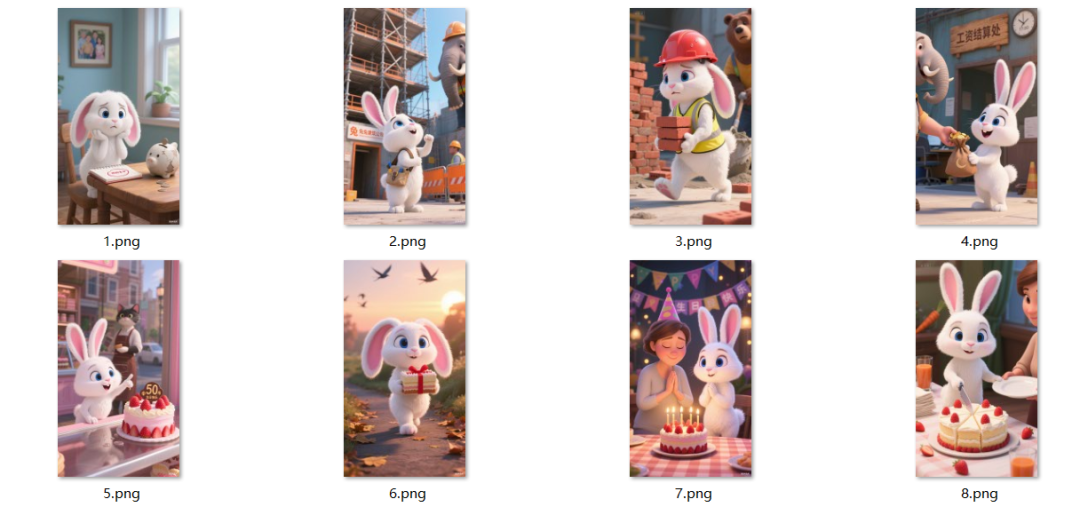
Then we move on to the three steps
Step 3: Video Generation
To generate a video we continue to use the beanbag, in the previously generated image, click on the image and you will see Generate Video in the top right corner, we click on Generate Video. Enter the action descriptor and generate it.
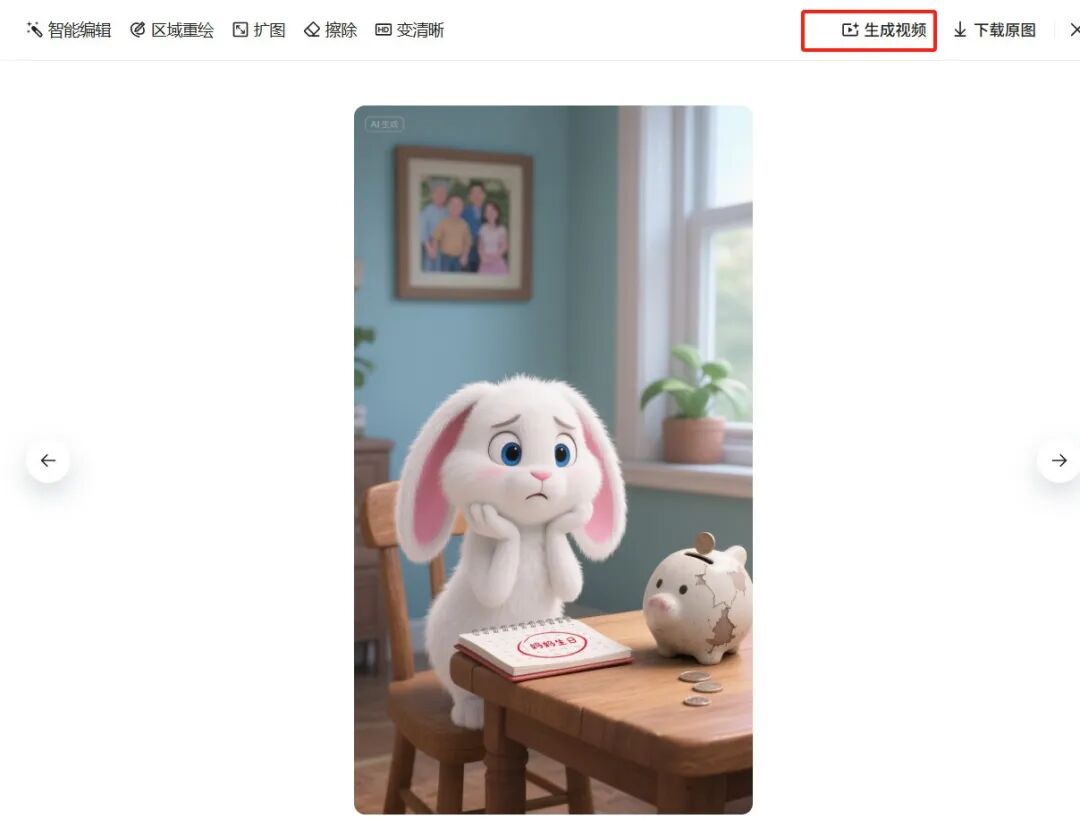
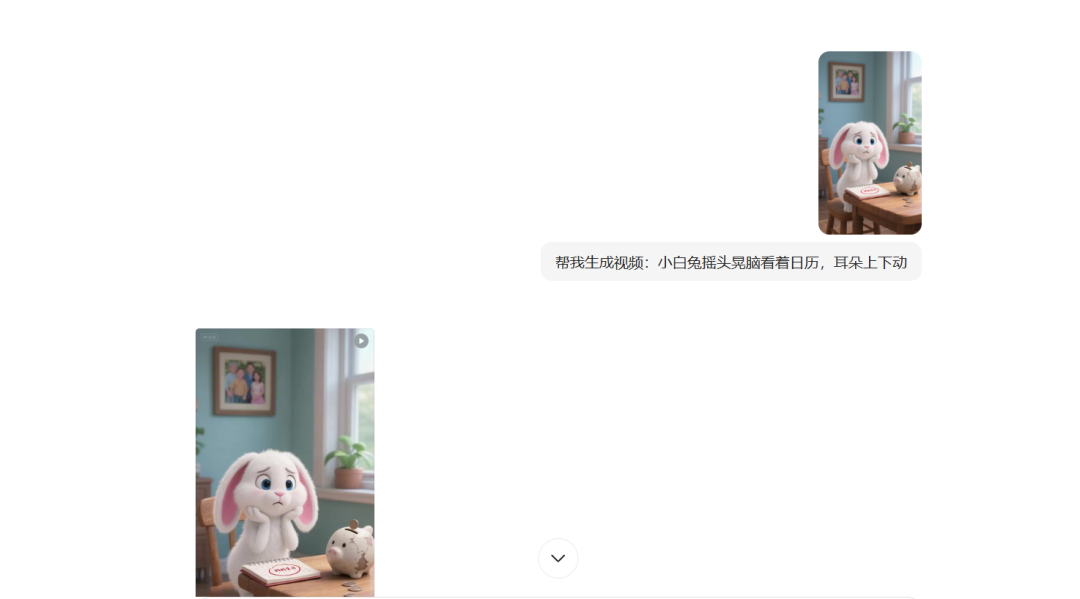
All other images follow this to generate a video can be, the descriptors do not have to be mostly transported mirror, a simple description of the action and demeanor.
Once all the videos have been generated, start editing them into a movie.
Step 4: Cut and screen the finished clip
Finally, we import all the videos, adjust the details for the clip video , subtitles, match the voice, sound effects, BGM is completed.
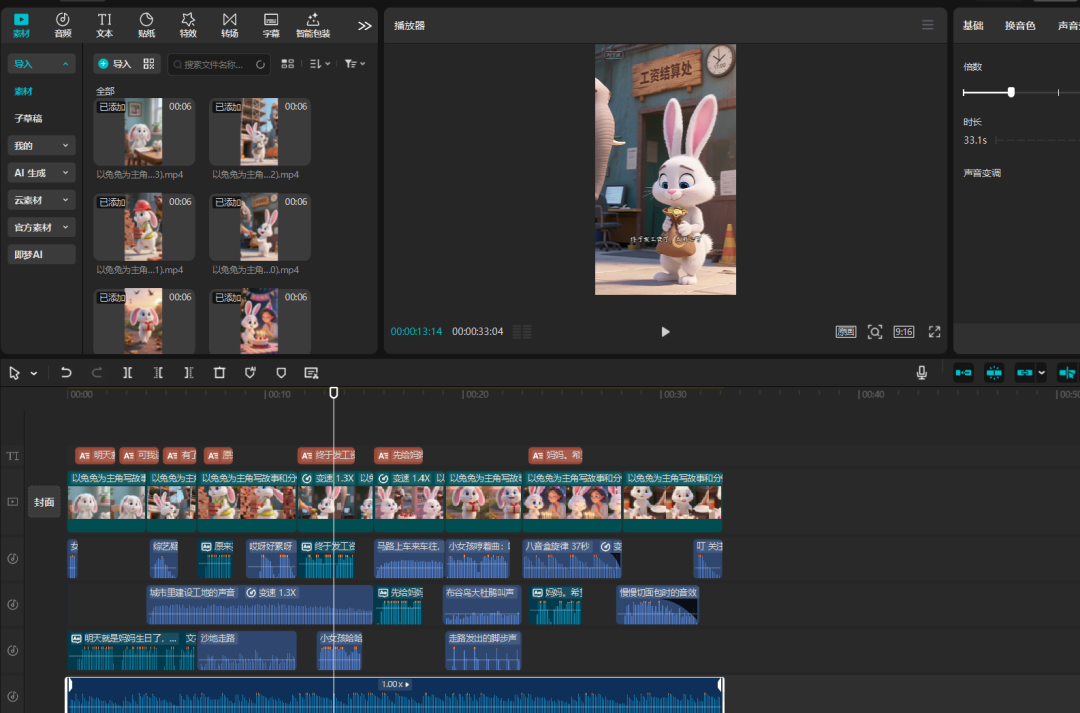
Test points: the video is mainly through the telling of animal empathy or fun stories, through the AI quickly generated polished finished product is the core. Basic zero points, later can also bring goods. After playing the basic logic and practical understanding, we have to go to the innovative production of some special video, to maintain a continuous release, the fire is a matter of time. Don't start looking at others fire, thinking that can be too explosive.
Difficulty: ★★★
Tools and methods have the last is also a test of perseverance and creativity, the lack of one can not~