



Just in touchComfyUIHave the little partners been mistened by their nodal interface
Stable diffusion as a nodal processAI Drawing ToolsIt divides the entire mapping process into multiple nodes, and although adaptation is required at an early stage, more accurate creative controls and process re-emergence can be achieved once it is mastered。
The good news is, there's a lot of interested developers on the network sharingWorkflowToday we've got five free ComfyUIs downloading sites
1. Civitai
The well-known station C is not only a good place to download a model, but also a place to find the ComfyUI stream. Many of the icons will share their creative processes here。
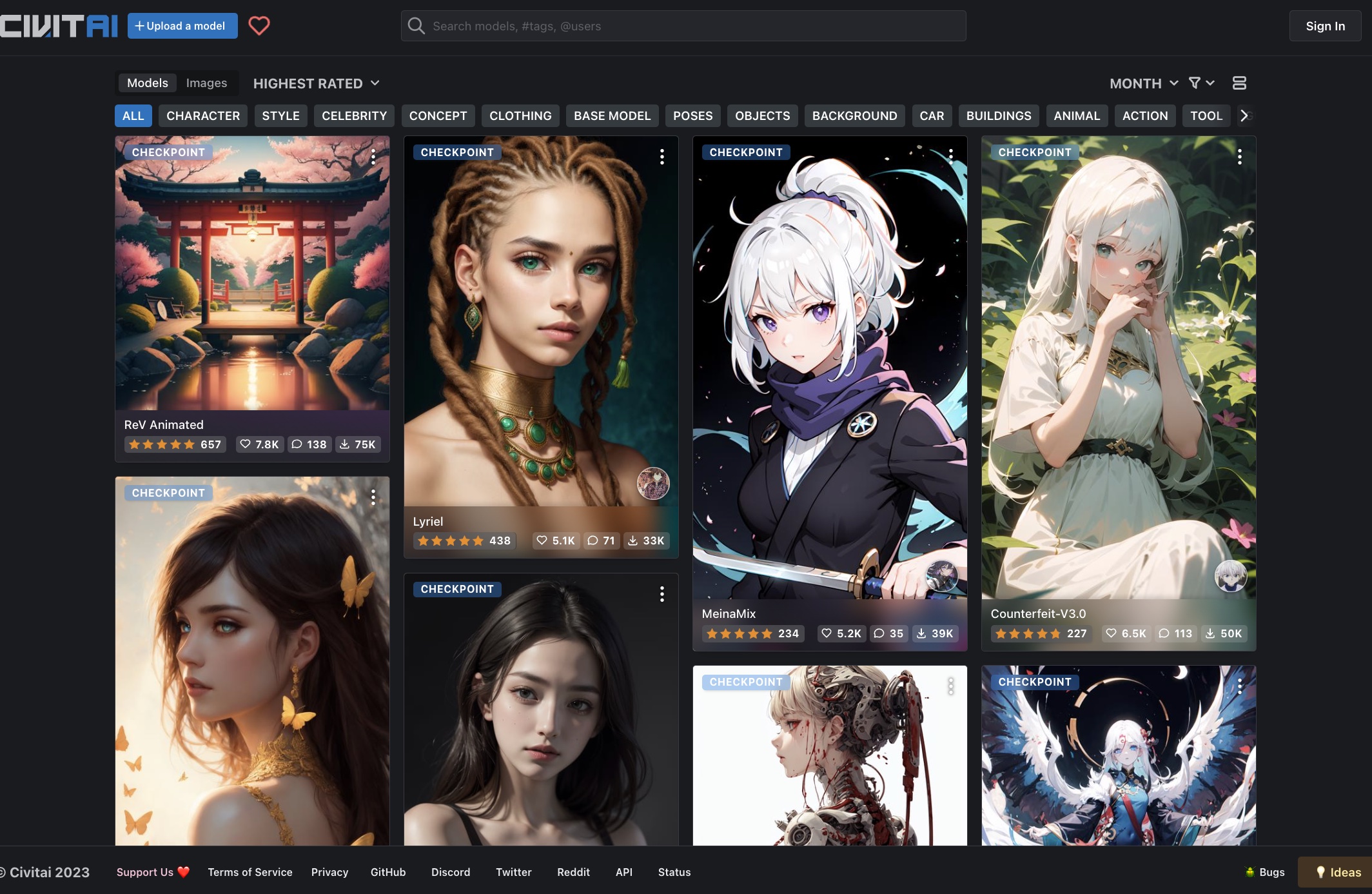
Use the hint: Once you enter the website, select the “Workflows” category in the right-hand filter option, allowing you to view a large number of free work streams. Each workstream is equipped with illustrative pictures and detailed descriptions to facilitate user understanding of its characteristics and effects
2. OpenArt
As one of the largest ComfyUI workflow platforms in the world, OpenArt is a necessary resource station for new hands. This platform is focused on collecting and sharing ComfyUI workflows, with friendly interfaces and frequent updates。

Platform features: User pages are rich and creative events are often organized to help you understand the latest creative trends and techniques. Whether it's basic or advanced, there's a suitable stream of work here。
3. Commy WorkFlows
The site is dedicated to the sharing of ComfyUI workflows, with a clear interface, a link to the site, a choice — Workflows — which can be accessed without magic (although at a slower pace, perhaps)。

Usability techniques: Each workflow details all the plugins and models that need to be used, and clicks directly to the downloading address. If you have a good flow of work, you can share it with the community here。
https://www.1ai.net/44193.html
4. GitHub
GitHub is an invaluable resource base for some experienced users. Many of the great gods will share here their own ComfyUI workstream。
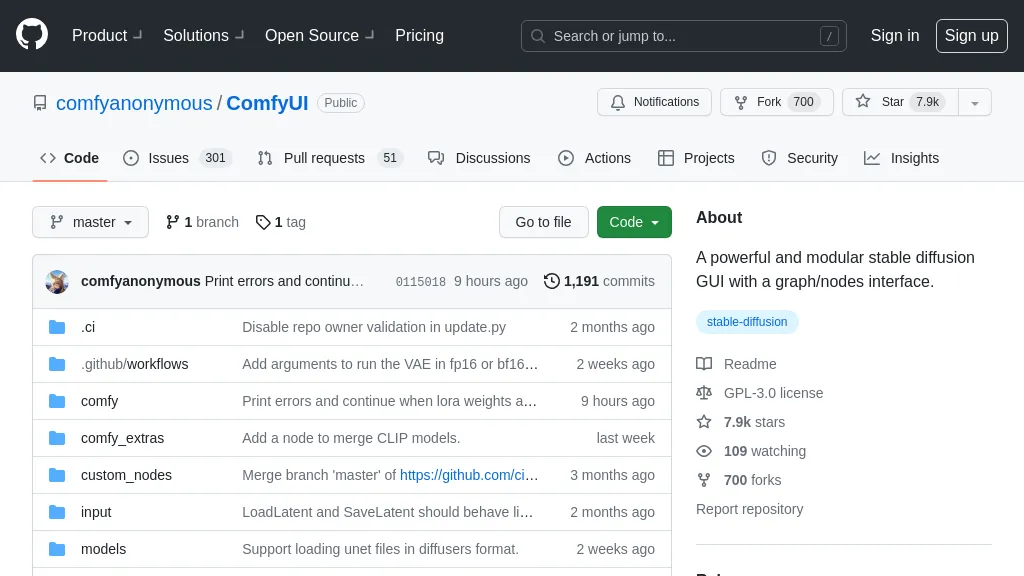
Usability technique: A large amount of associated resources can be retrieved by entering the "CommyUI workflow" in the search box. Each workflow page usually contains a detailed description of the author, illustrative pictures and optimized records. If you have problems with running, you can also find a solution in the assue plate。
https://github.com
5.liblib
The platform may be more friendly for domestic users. The work stream above is more accommodative and contains many resources suitable for practical scenarios such as electric products, character models, etc。
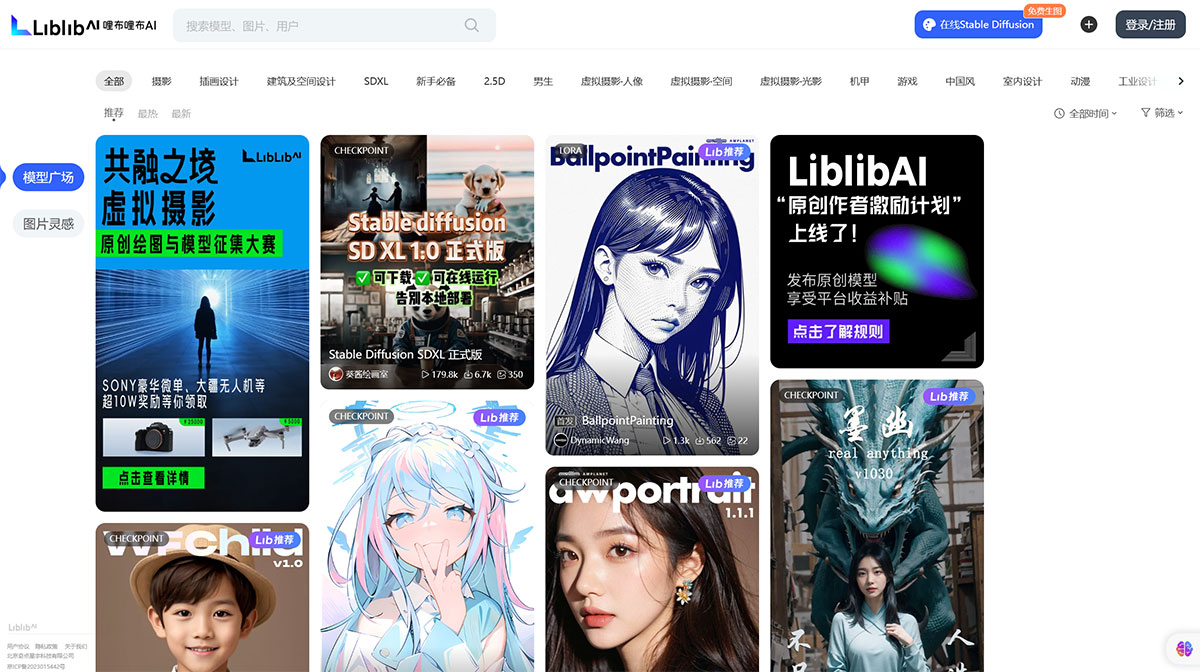
Usability skills: Supporting online operations, being friendly to low-end computer users, and offering free credits on a daily basis, especially for users with limited hardware conditions to experience the ComfyUI workflow。
# RECOMMENDED FOR USE:
At the outset of the engagement, it was suggested to move from simple work to understanding the role of each node before trying to adjust the parameters. As experience grows, you can gradually combine different nodes and create a unique stream of work。
ComfyUI has been internally optimized to produce images at a faster rate than the traditional WebUI, from 10% to 25%, which has greatly improved its creative efficiency. At the same time, it does not easily collapse because of the obvious problems when dealing with large images, but may cause the images to break up as a result of the cut-off operation, which also requires attention。
Most of the resources on these websites are shared free of charge, bearing in mind that the author ' s authorization statement is used。
Collect it, believe it'll help your ComfyUI study。