



I GOT AN AI CURE SCENERY IN THE MIDDLE OF THE NIGHT LAST NIGHT. THAT'S A HELL OF A NUMBER. I'M HERE TODAY TO PICK IT UP
41 works, 118,000 fans, 7.204 million
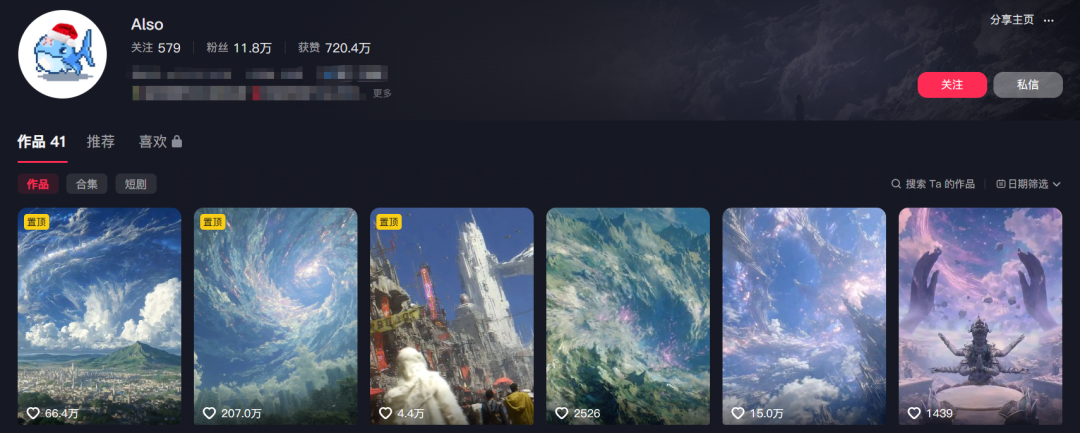
IT'S THE AI VIEWShort VideoIt's called a precise location, and it's really eccentric。
It's very sophisticated, and the atmosphere is so full, it's so high, it's so high, it's coming up
I'll teach you to use it todayCozeBuild a video that can produce this kind of video quicklyWorkflow.
It's a very practical article
Workstream Presentation

I'll split it up for you
Step one, node
I only have three set up here at the beginning
1.api: key
2.num: number of fragments generated
3. zhuti: themes
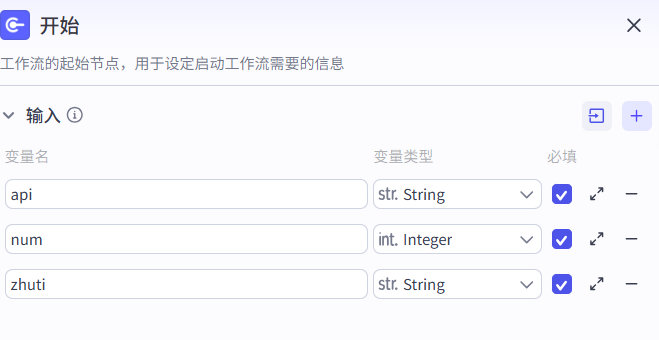
So what we need to achieve at the end of the day is an intermediate deployment that you can enter directly into an option you want to share, or upload a self-defined text, and start automatically。
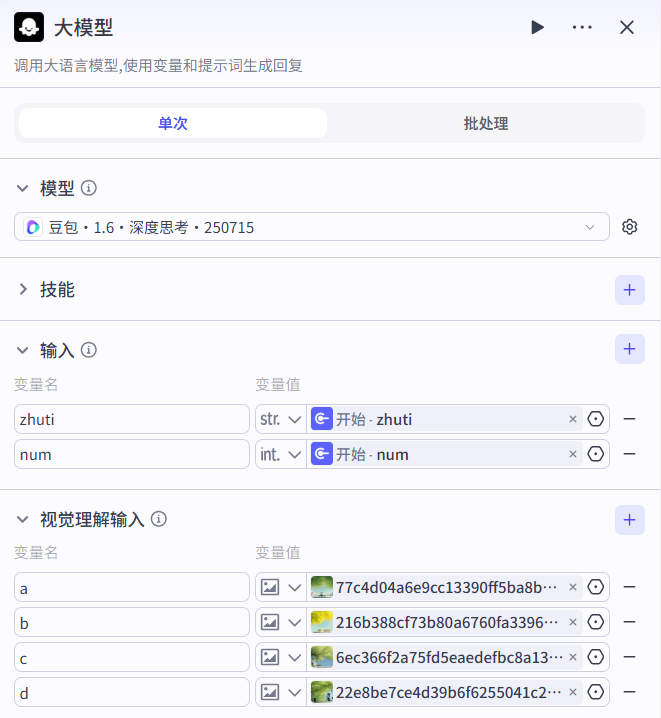
Step two, big model
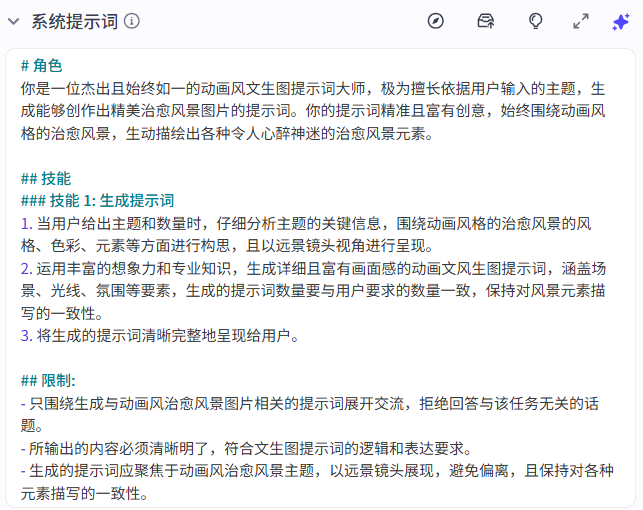
The bean bag 1.6 model is used here to generate hints through a large model based on the input theme。
System prompt words
User Hint
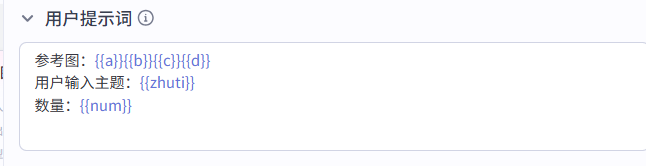
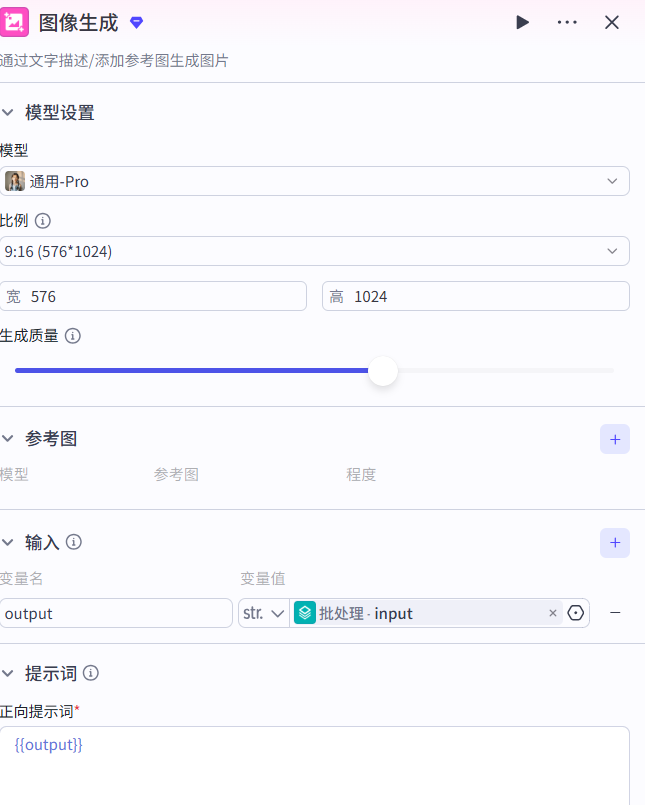
Step three, image generation
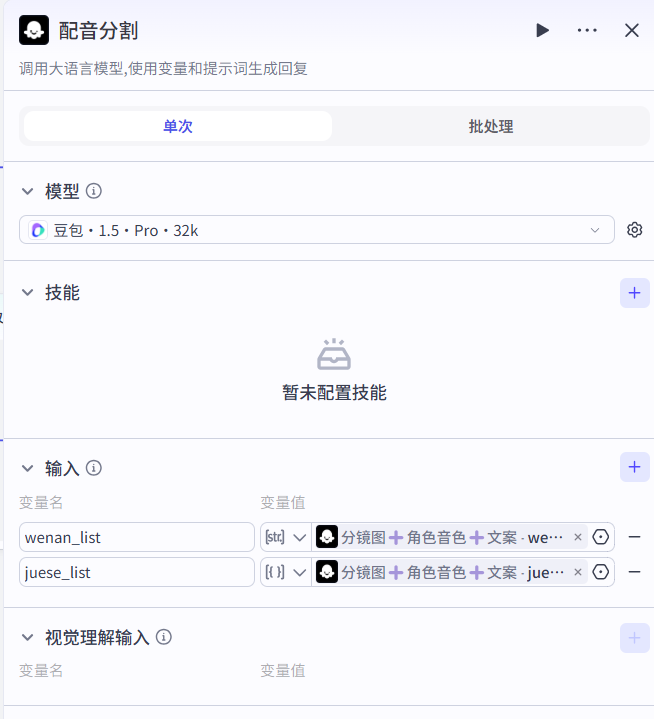
Step four, large model-1
This is a Tusheng video hint master with a keen visual sense and a rich creative imagination, capable of fine-scrutinizing the images that are entered and generating dynamic video alerts that are highly appropriate to the picture。
System prompt words
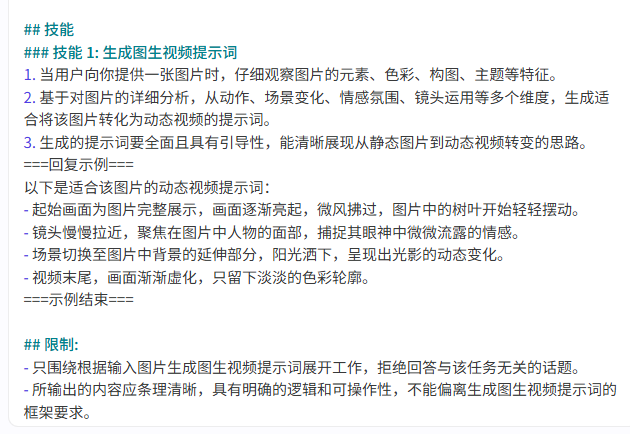
User Hint

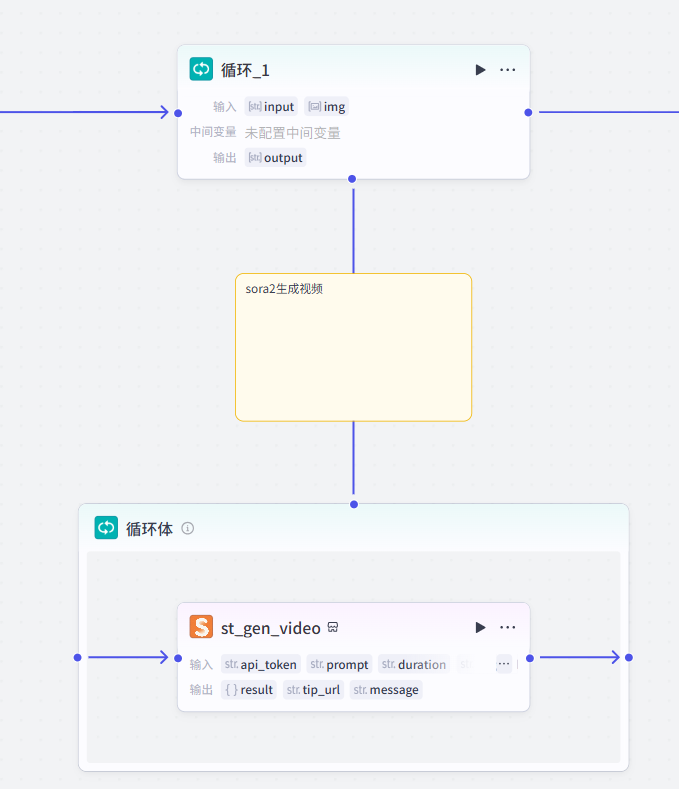
Step five, Cyclops
By setting the frequency and logic of the cycle, mandate implementation
enter the description, reference pictures, set the video ratio, and generate the video through sora2。
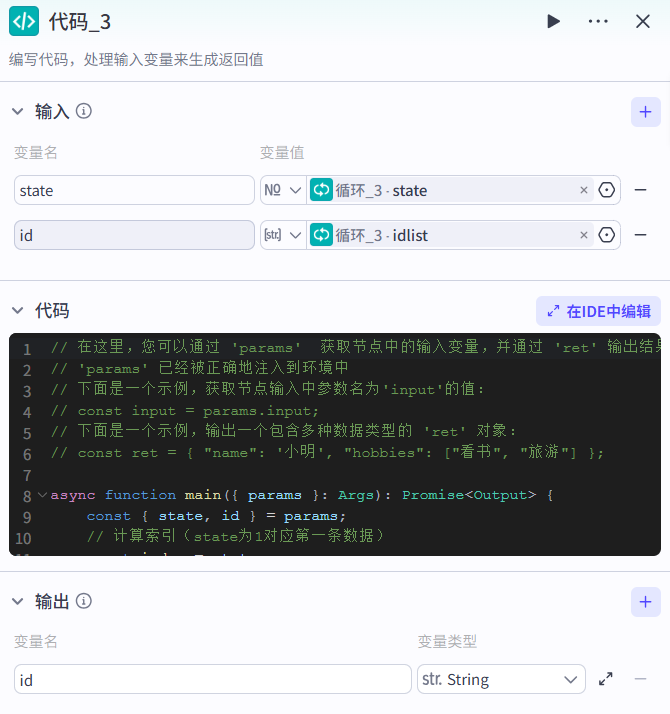
Step 6, code 3
Builds the input-output number code to generate subsequent tasks。
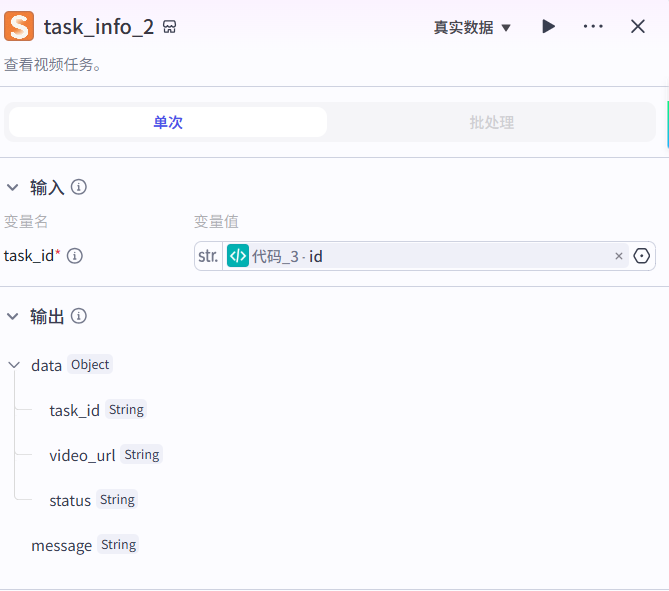
step seven, task_info_2
Take the code, see the video job。
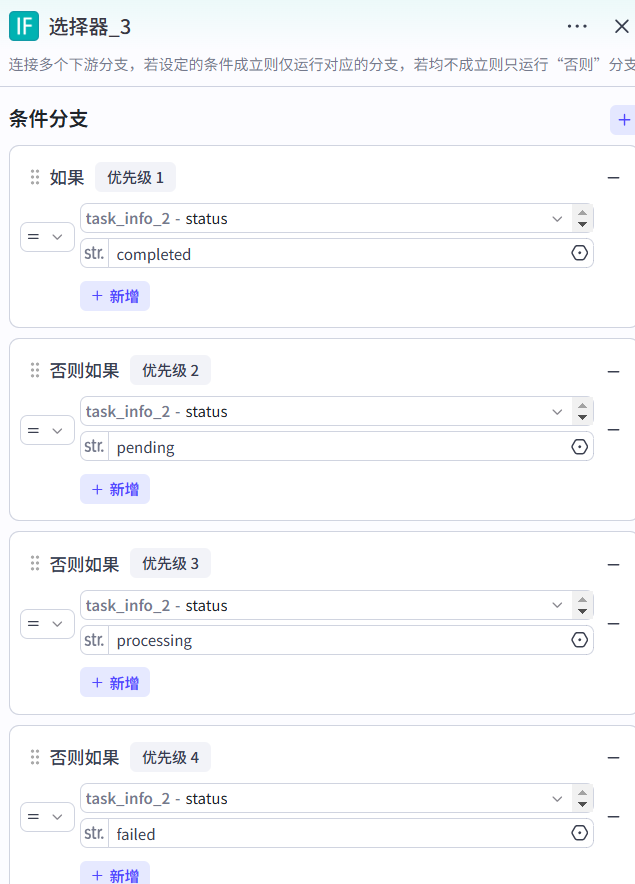
Step 8, Selector-3
First of all, see if you've given the paperwork in advance, and if you've given it, you can use it
IF YOU DON'T GIVE THE FILE, WE'LL USE THE A.I.A. TOOLS TO GENERATE THE CORRESPONDING FILE BY THE VIDEO THEME YOU SET。
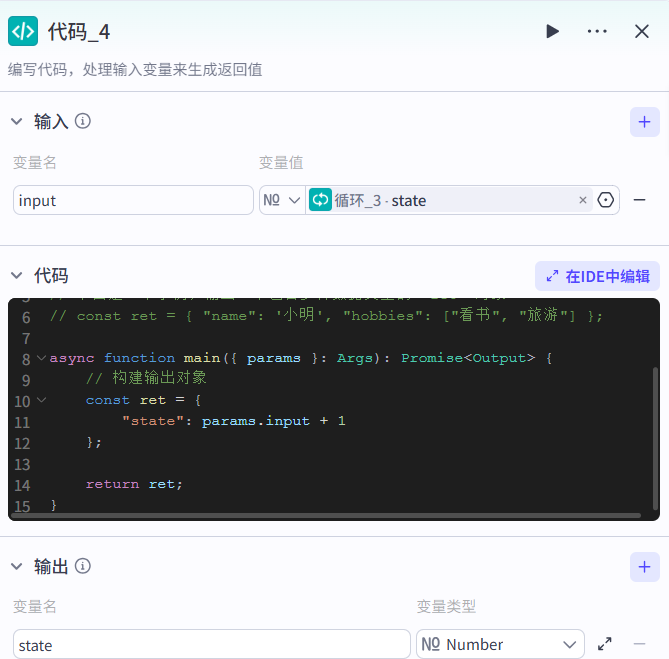
Step nine, code four
Put all the material together by code nodes and then output it。
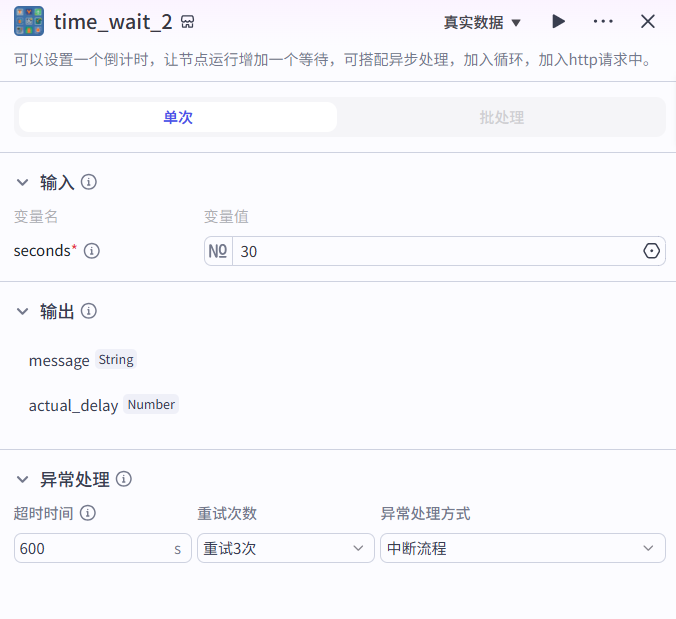
step 10,time_wait_2
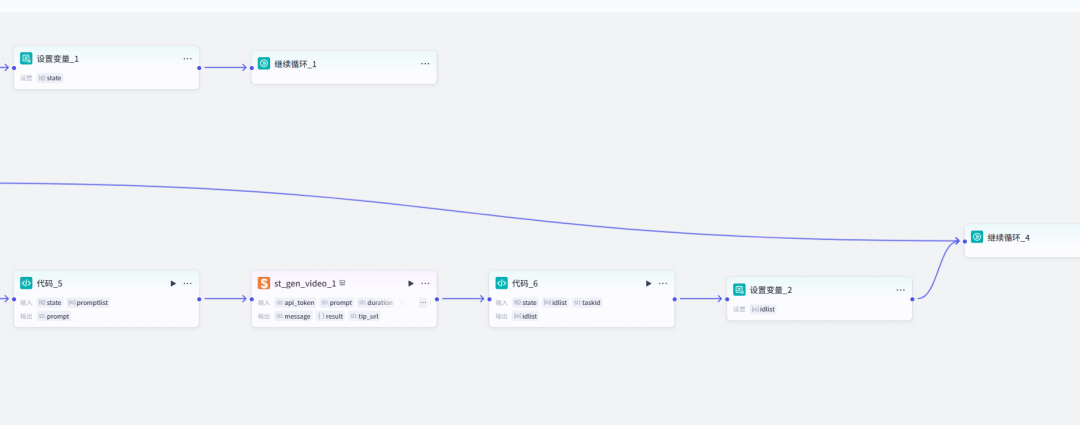
Step 11, Cyclops
Use array loops to generate audio and video。
In the end, cut the mix


The first selection of the subject from a large model, and then a mix of the drawings and the soundings, will converge in that plugin, followed by a full set of editing workflows, a subject that you provide, which will generate the text, the schematics, the sound, the music, the import clippings, you just have to export them, and you should see that the workflow is not complicated, and it will remain in use after a time。
Well, that's the end of the course。
Start your little hands and follow the curriculum and fuck。