



AS THE ABILITY TO GENERATE AI GROWS, INDIVIDUAL CREATORS CAN ATTEMPT TO RECREATE THE CLASSICS IN A COST-EFFECTIVE MANNERanimeI'M SORRY. THE "REPEATED" HERE IS NOT A SIMPLE COPY, BUT A WHOLE NEW HIGH-RESOLUTION IMAGE AND VIDEO MATERIAL WITH THE HELP OF THE AI TOOL, WHILE PRESERVING THE RHYTHM, LENS LANGUAGE AND EMOTIONAL EXPRESSION. THE FOLLOWING IS A SET OF MATURE AND REUSABLE PROCESSES TO ELABORATE ON SPECIFIC OPERATIONAL METHODS。
Step 1: Select the classic animation and decompose the lens
First of all, pick a classic animation that you really like and that's a good language. It is recommended that priority be given to animations with clear rhythms and clear spectrometry, such as gypsies, classics or early Euro-American animations。
When you open the original film, you start to analyze the lens by frame. Here 2-3 seconds one shot For standard purposes, it is judged whether there has been a significant change in the image (person action, space, structure change, etc.). Once the picture message changes, it can be considered an independent shot。
Use the shearing frame function, or the system screening tool, to intercept each key lens into a static image. Instead of numeric, this is the time to pursue “scenario integrity” and to ensure that each screenshot represents a clear picture message。
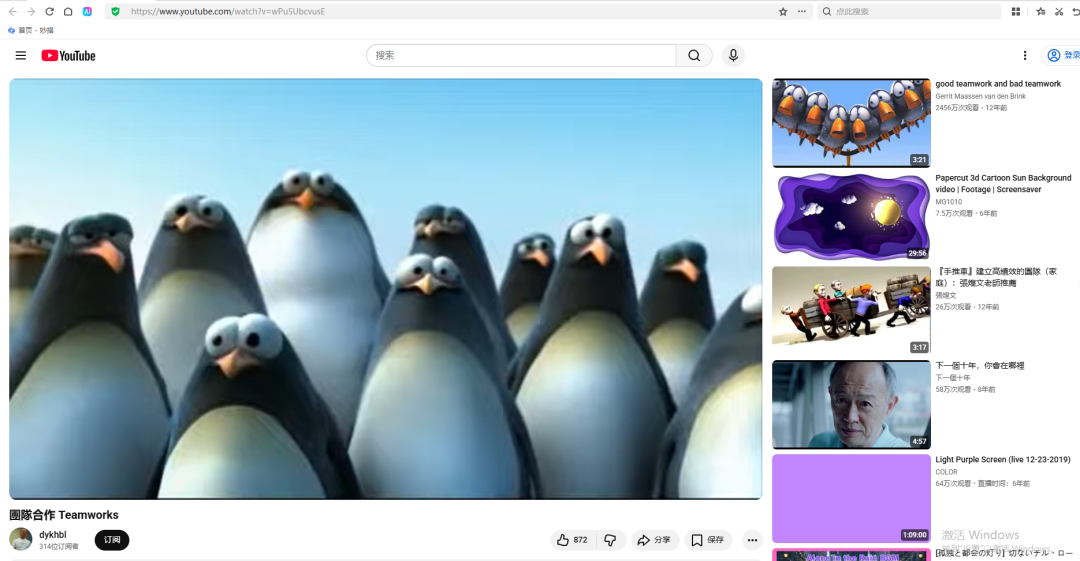
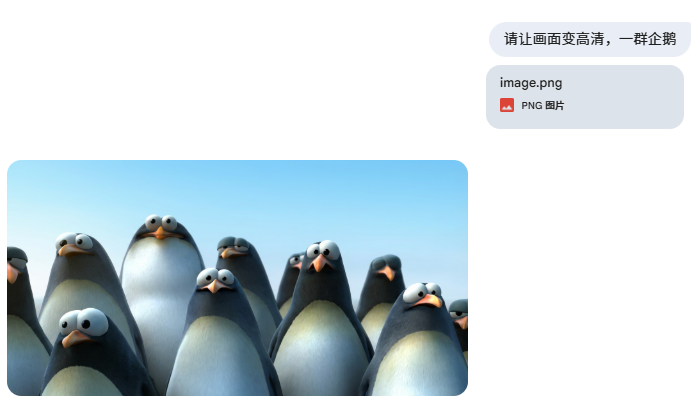
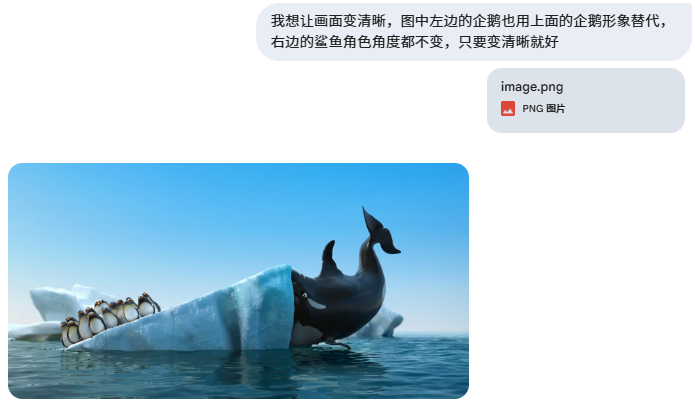
Step 2: Generate high-precision maps using the Gemini (Nano Banana)
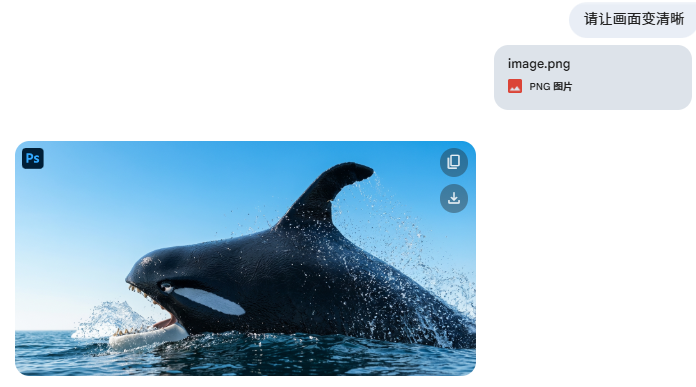
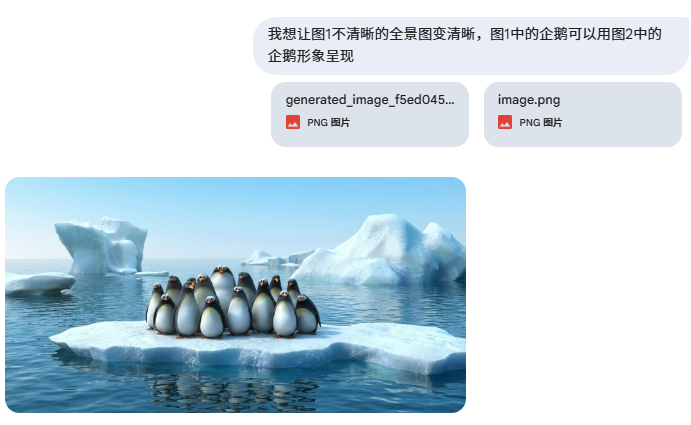
This setup will feed the Nano Banana model to Gemini. There is only one objective at this stage:Acquiring a static image of structure, structure, personal state at reduced height, with greater clarity.
The operation does not require complex hints, but simply describes your needs, for example: “to generate high-resolution animation-style images while maintaining the original image and the behaviour of the person”. If there is a deviation in detail, you can fine-tune the results and try one or two more times。
Upon completion, you will be provided with a set of high-resolution animations of uniform style and stable quality, which will be used as “mother material” for follow-up videos。
Step 3: Generate dynamic video material with Grok
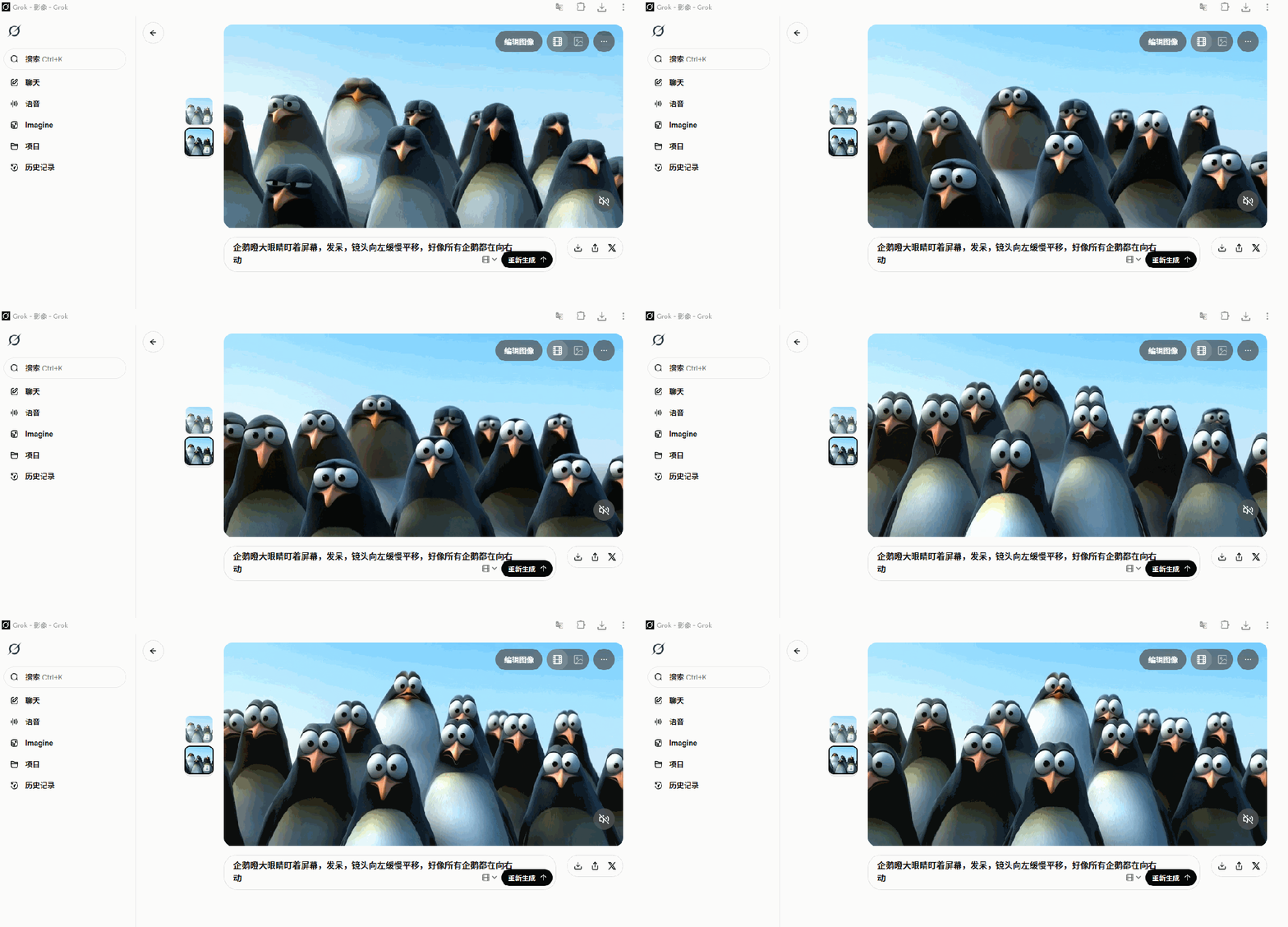
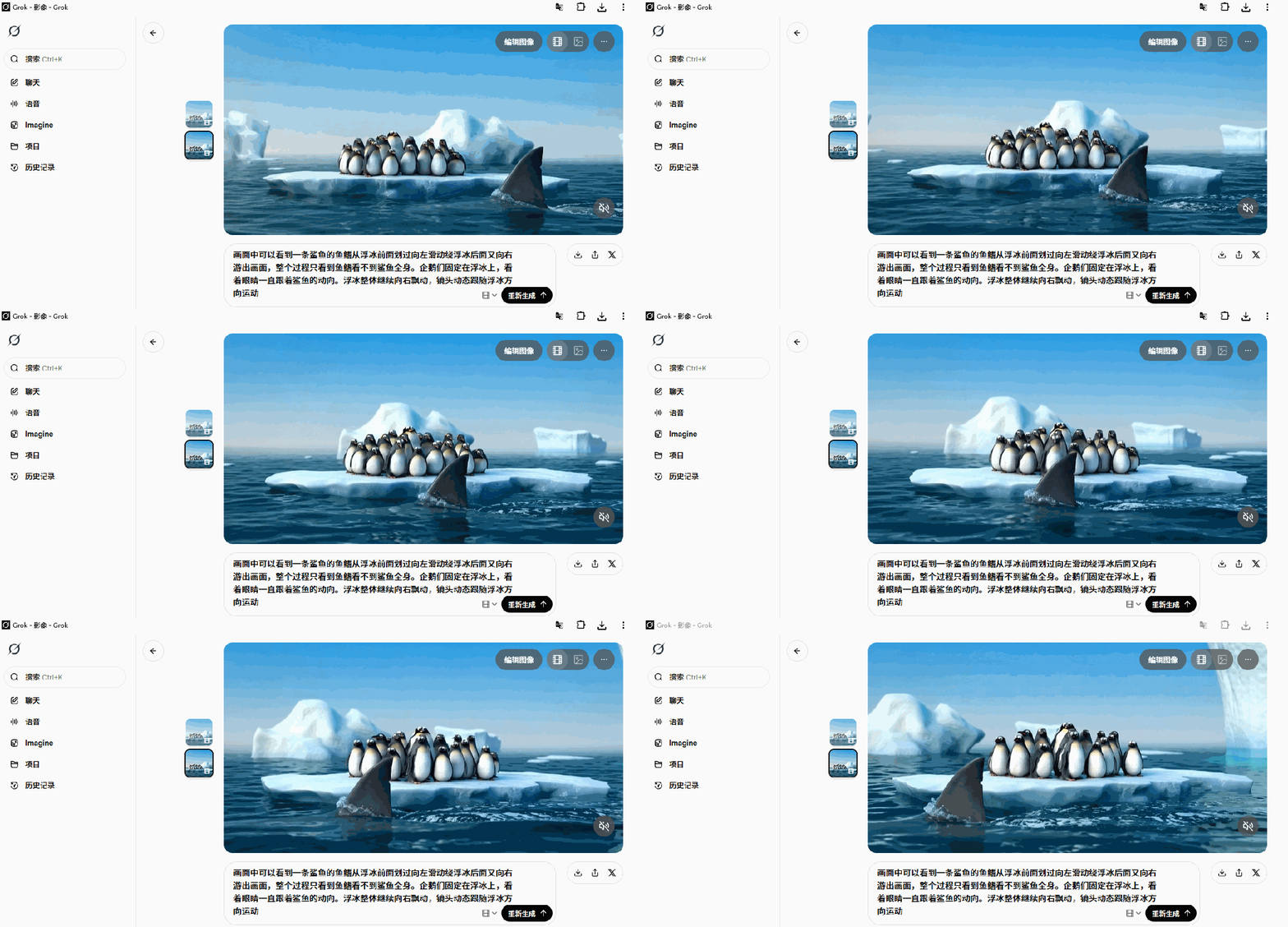
Each high-level map is then fed to Grok for short video clips. The key here is:A graph corresponds to a short video, instead of generating the whole animation at once。
In the case of hints, it is suggested to use the term “paraphrase description” to state directly how the picture moves, such as how the person turns, whether the lens moves, whether there is a slight movement of the background, etc. Large models already have a strong understanding of natural languages and do not have to elaborate complex terminology。
If the result is not desirable, a “tick card” retest may be performed. Under normal circumstances, material is available once or twice without anxiety。

Step four: Clip the original film for editing
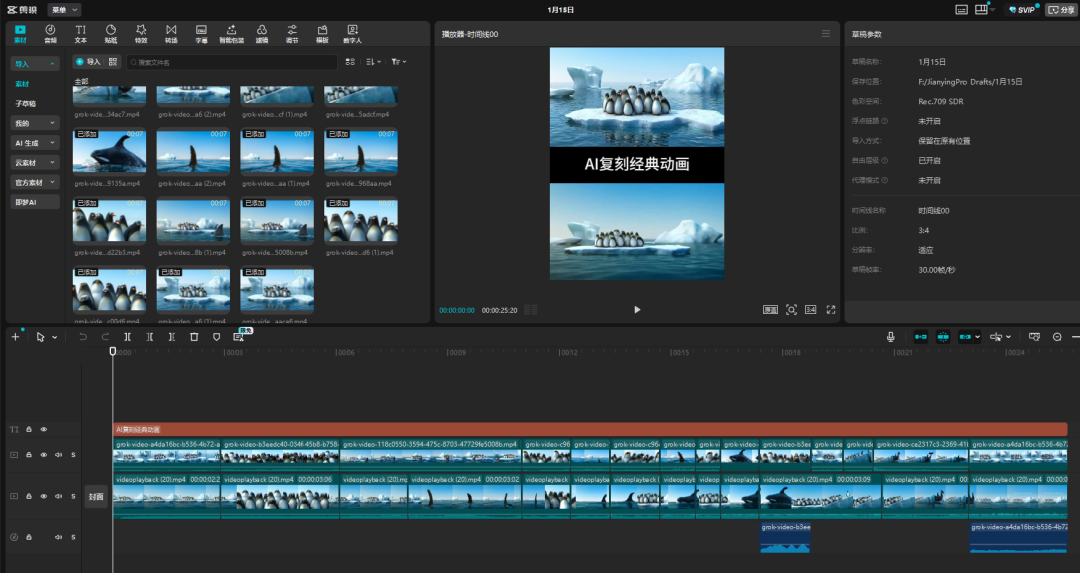
Imports all the video materials generated by Grok into the clip, while importing the original animation as a reference. In the sequence of the original film, the video generated by AI is arranged one by one and fine-tuned over time to keep the rhythm as close as possible to the original。
At this stage, you can adjust the rotation, rhythm and even a minor cut, as required, but the core principles are:Respecting original lens language, not re-engineering narratives.
A lot of people are stuck in the "how to write" step. Actually, there's no need for anxiety. The most effective way is to:How can you read thisI don't know. If you have some visual or animated terminology, you can certainly add, but not necessarily。
AI HAS THE ADVANTAGE OF UNDERSTANDING HUMAN INSTINCTS, NOT TESTING WHETHER YOU WRITE ORDERS LIKE ENGINEERS. BY THE ABOVE PROCESS, YOU CAN COMPLETE A COMPLETE CREATION FROM A CLASSIC ANIMATION TO AN AI REGRAVING。