



being an imobileDeep users, do you feel iPhone sinceS of the bandiri workCan not be strong enough, sometimes the answer is even a little weak zhi? Now you can put DeepSeek DepartmentSigned to iPhoneLet iPhone changeGot to be smarter.
In this article, we'll go over how to add a customization to the iPhRapid in oneDeployment of DeepSeek, which allows you toAfter 2 minutes you can enjoy the powerful AI features. Without much ado, let's get straight to the tutorial.
DeepSeekOfficial Quick Command
Open https://platform.deepseek.com/api_keys, create an API Key, copy the key and save it.

OpenSafari, enter the URL of the official DeepSeek shortcut command.
https://www.icloud.com/shortcuts/b75899492ead45ef9a47cfce89334bf0
Click on Get Shortcuts to automatically download the official DeepSeek shortcut commands.

Click Set Shortcut Command to automatically install the official DeepSeek shortcut command.

Enter the API Key you just created and click Add Shortcut Command to automatically deploy the official DeepSeek shortcut command.

OpenQuick Command AppIf you don't, go on your own.AppStoreDownload one, click on the shortcut command and see if there is a Depth Seeker shortcut command in the panel, if there is it means the deployment was successful.
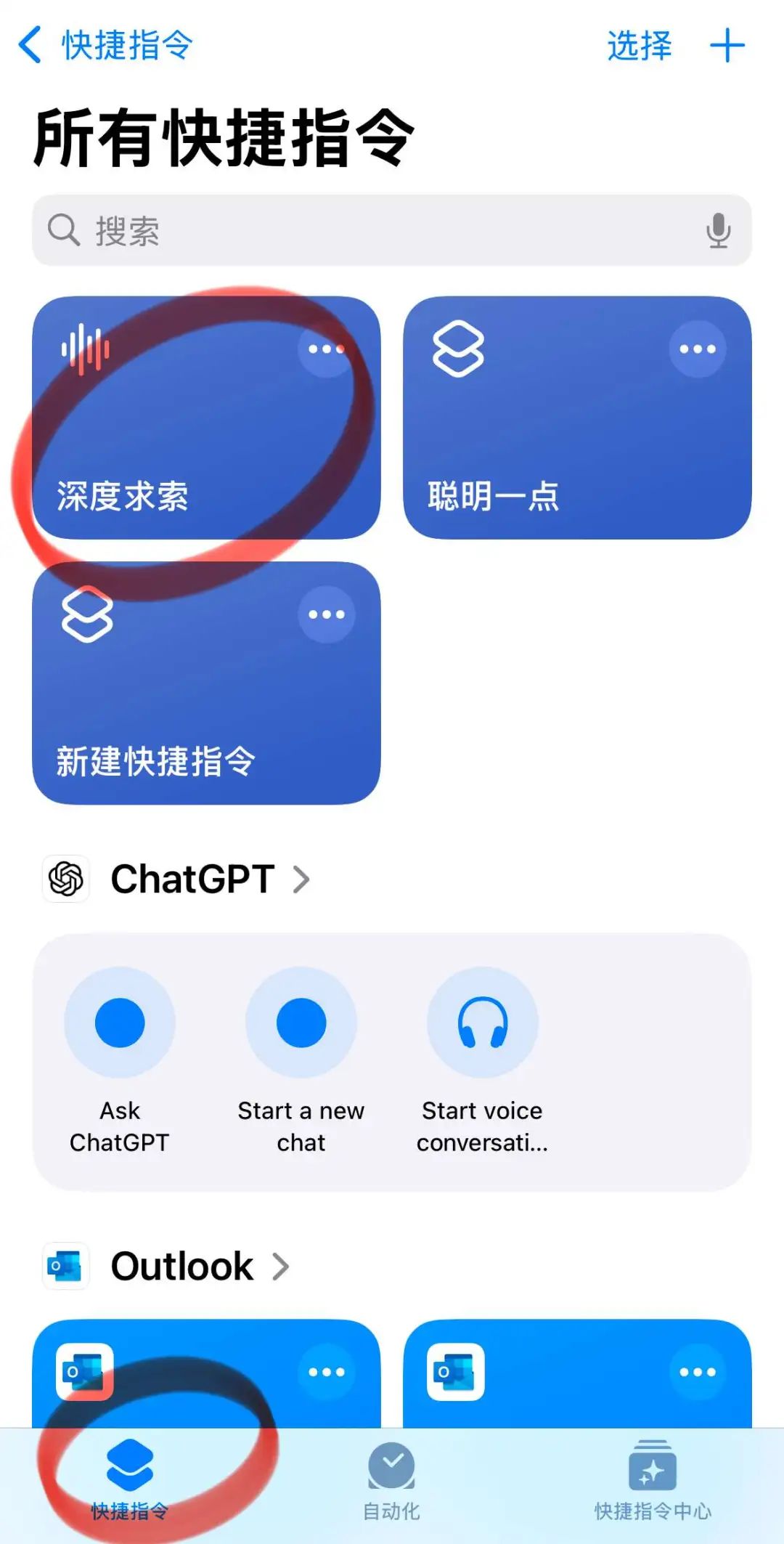
Finally, go back to your phone's desktop and yell: Hey Siri, Depth Seeker, DeepSeek will then selfMoves to pop up for you!
DeepSeek third-party shortcut commands
Recently, the silicon-based mobility service has stabilized much better and can continue to be used.
Open https://cloud.siliconflow.cn to register using your cell phone, open https://cloud.siliconflow.cn/account/ak to create an API Key, copy the key and then save it.

OpenSafari, the entered DeepSeek third-party shortcut command URL.
https://www.icloud.com/shortcuts/59470795e77644f093b8072cf96d0ad9

Click Get Shortcuts to automatically download DeepSeek third-party shortcut commands.
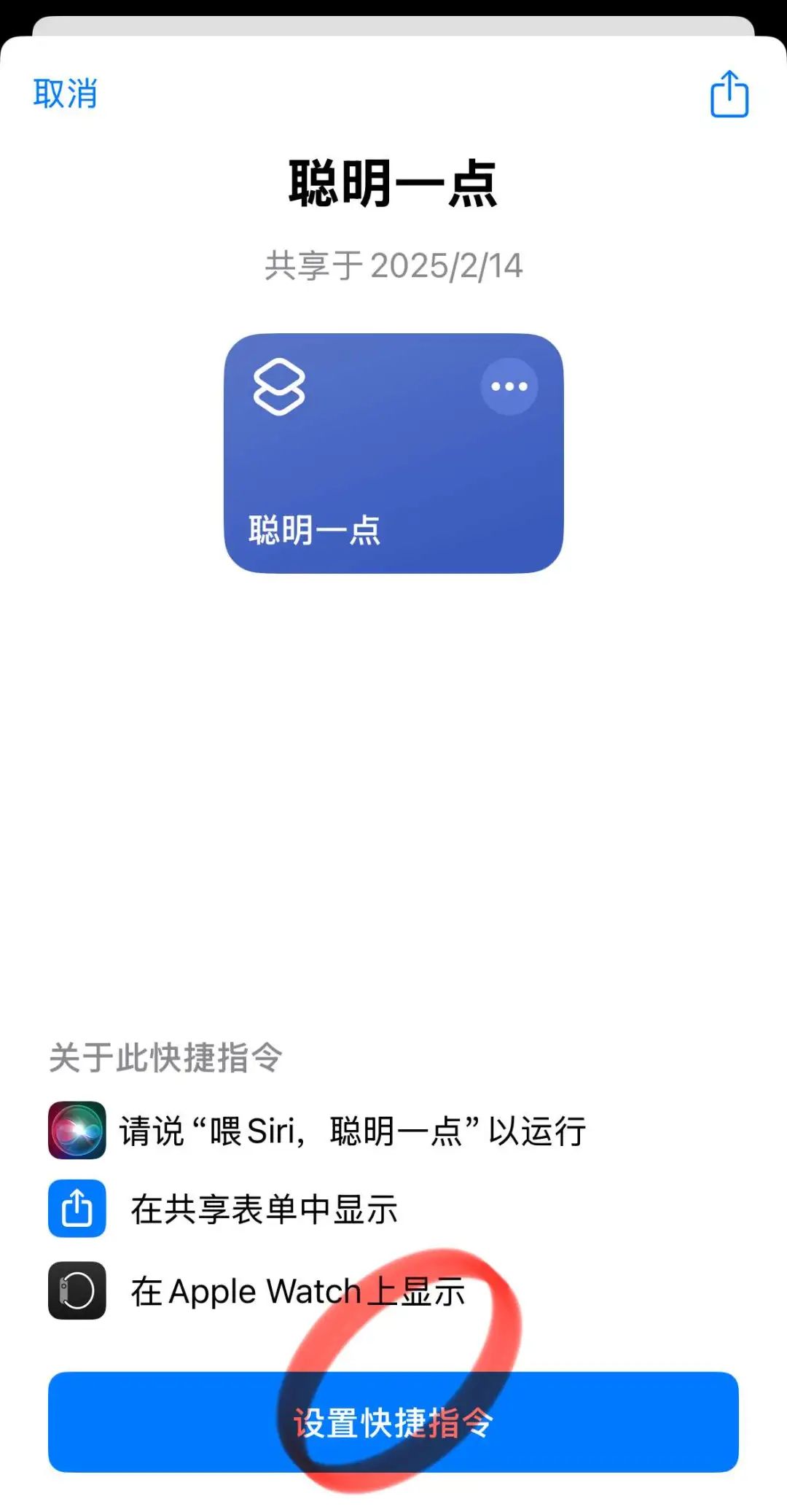
Currently provides API Key access to Silicon Flow, Aliyun Hundred Refinement, Tencent Cloud TI, and Byte Volcano Ark, here choose Silicon Flow and enter 1.
More access channels will be provided later, so you'd better hurry up and see how to create these API Keys!

Enter the API Key you just created and click Add Shortcut to automatically deploy DeepSeek third-party shortcuts.

OpenQuick Command AppIf you don't, go on your own.AppStoreDownload one, click on the shortcut command, and see if there is the shortcut command Smart Bit in the panel, if there is, it means the deployment was successful.

Finally, go back to your phone's desktop and yell: Hey Siri, smarten up, Dee!pSeek will then selfMoves to pop up for you!

Chatbox
OpenAppStoreDownload one.Chatbox.

Open Chatbox and click on the menu button in the upper left corner.

Click Settings in the left menu bar to open the configuration pop-up window.

The model provider chose the SILICONFLOW API, which is silicon-based flow.

Enter the API Key you just created, select deepseek-ai/DeepSeek-R1 for the model, pull the upper limit of the number of messages in the context to unlimited, and the rigor and imagery to 1, and click Save.

Enter this universal question we wrote for detecting AI models: which AI tool are you currently modeling? What is the specific version number of the model? , answer passes, YES!

Conclusion
By doing all three of these things, you can be iniPhoneEasily deployed inDeepSeek, making your phone smarter and more powerful.
Whether it's through official shortcut commands, third-party shortcut commands, or Chatbox access, you'll be deployed in no time and enjoying theDeepSeekThe convenience and efficiency that comes with it.